119
Wi-Fi/Bluetooth
®
AQUOS zero2
Unpairing Devices
In Connected devices menu, for device to unpair
FORGET FORGET DEVICE
Receiving Data via Bluetooth
®
See "Receiving Data via Bluetooth
®
(e.g., Address Book)" for
details.
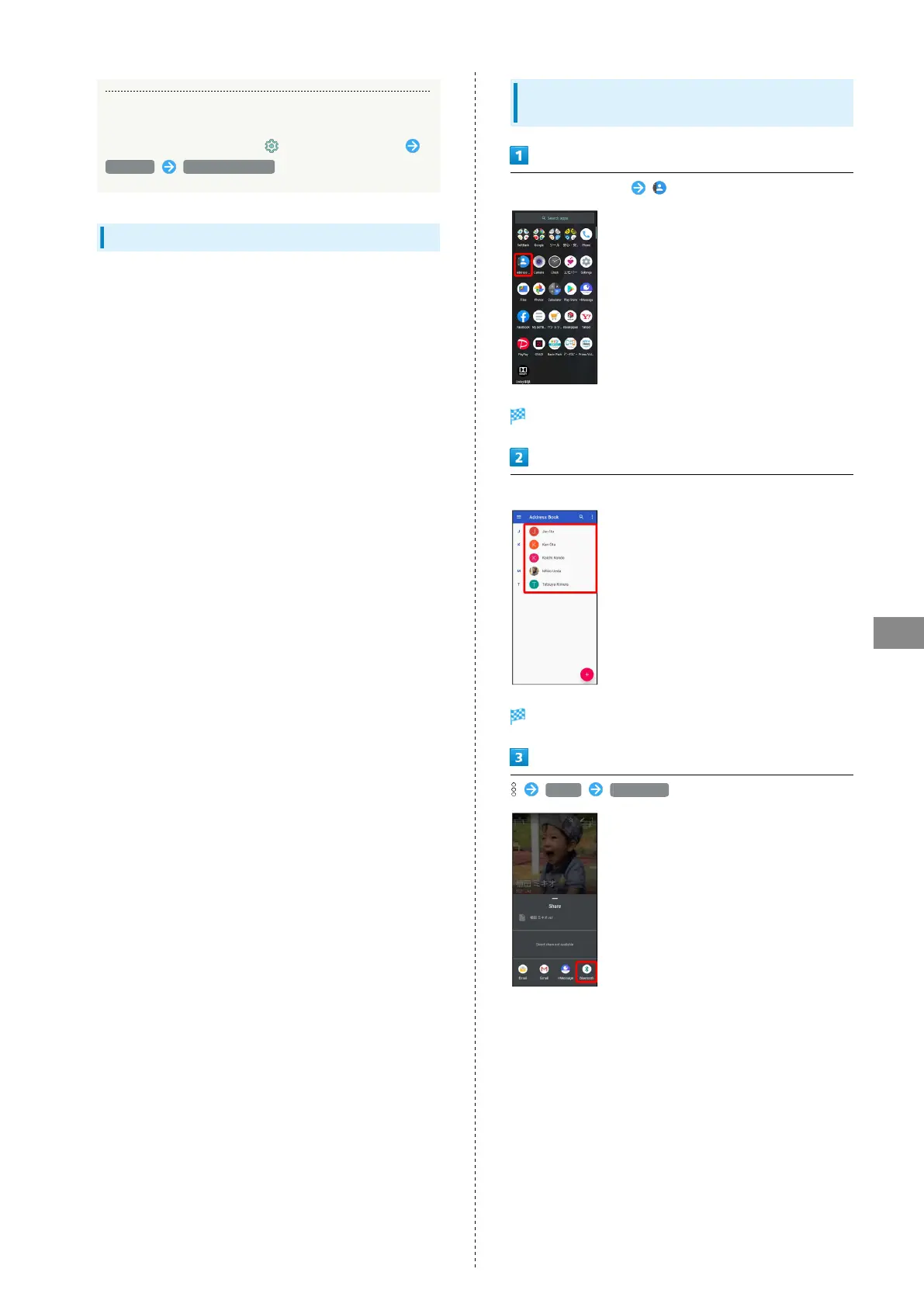
Sending Data via Bluetooth
®
(e.g.,
Address Book)
Flick Home Screen up (Address Book)
Address Book opens.
Tap contact
Contact opens.
Share Bluetooth
・If confirmation appears, follow onscreen prompts.



 To Next Page