130
Battery Settings
Check battery usage, or save battery power by restricting
some handset features.
Battery Settings
Settable items are the following.
Item Description
XX% Check battery strength, condition, etc.
Battery Saver
Save battery power by restricting some
handset features.
Adaptive
Battery
Set whether to limit battery usage of
seldom-used applications.
Battery
percentage
Set whether to show battery strength on
Status Bar.
Last full
charge
Check time elapsed since last full charge.
Screen usage
since full
charge
Check screen battery usage since full
charge.
Battery Operations
Checking Battery Usage
In Home Screen, (Settings) Battery
Battery usage
Battery usage window opens.
Checking Battery Usage for Each Application
In Home Screen, (Settings) Battery
Battery usage Tap application name
Details of Battery usage for each application opens.
Setting Whether to Limit Battery Usage of
Seldom-Used Applications
In Home Screen, (Settings) Battery
Adaptive Battery Use Adaptive Battery
・
Tap Use Adaptive Battery to toggle on ( )/off
( ).
Setting Whether to Show Battery Strength in
Percent beside Battery Indicator on Status Bar
In Home Screen, (Settings) Battery
Battery percentage
・
Tap Battery percentage to toggle on ( )/off
( ).
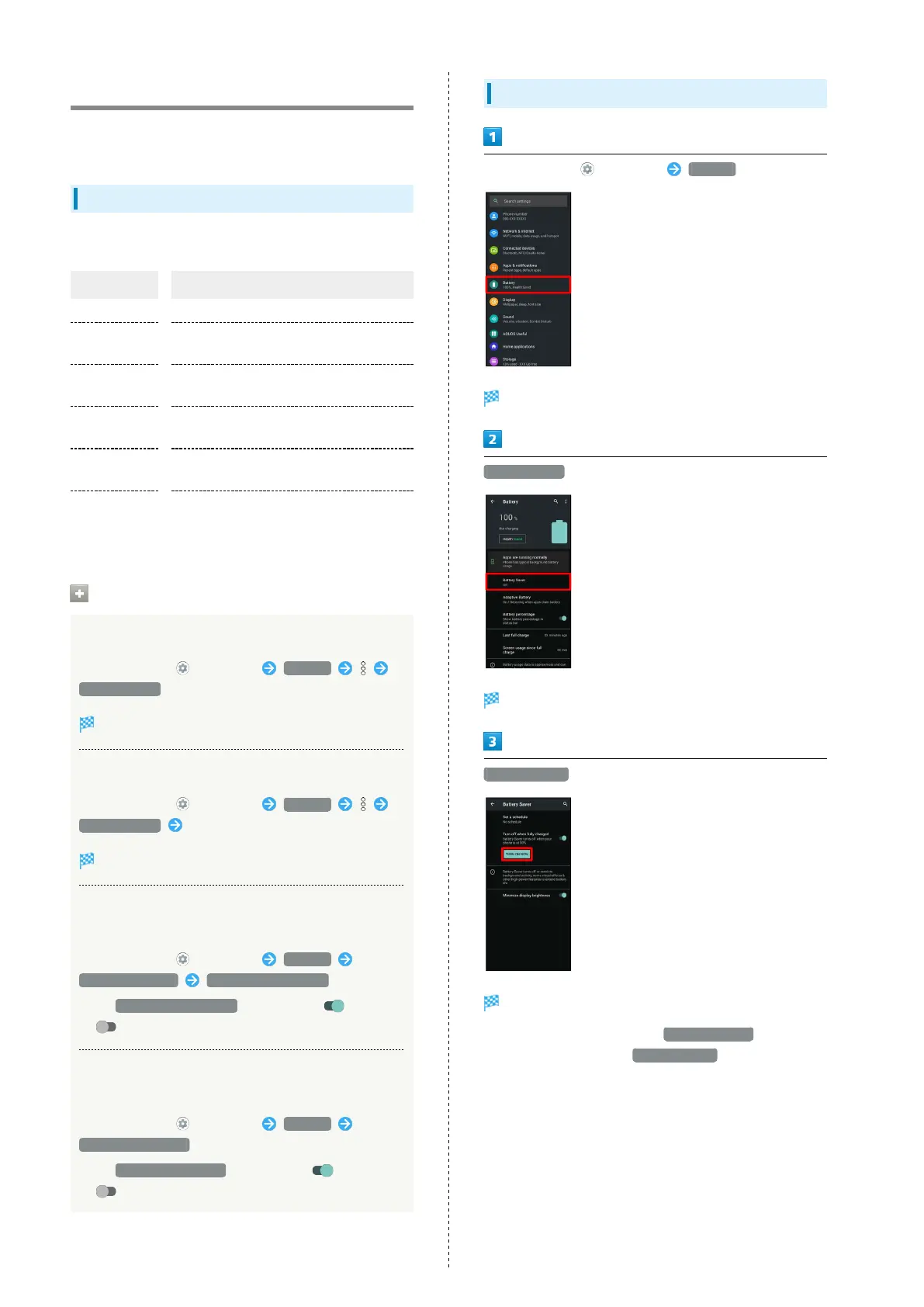
Using Battery Saver
In Home Screen, (Settings) Battery
Battery opens.
Battery Saver
Battery Saver menu appears.
TURN ON NOW
Setting is complete.
・
To disable Battery Saver, Tap TURN OFF NOW .
・
The setting switches to TURN ON NOW when charging
starts.



 To Next Page