12
Power On/Off
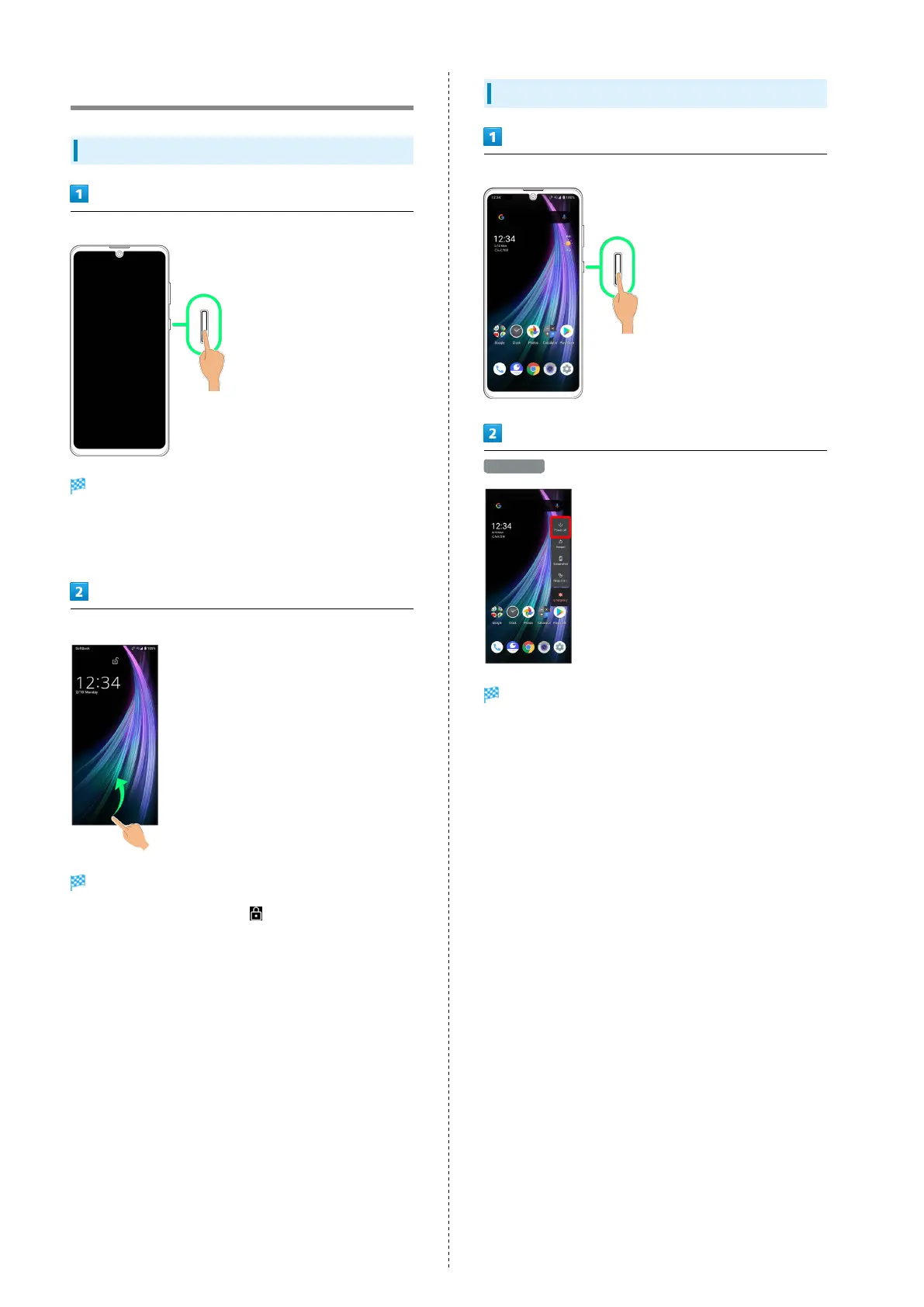
Powering On
Long Press Power Key until SHARP logo appears
Handset powers on, and lock screen appears after a while.
・An initial settings wizard may appear the first time handset
is powered on. For details on initial settings, see "Making
Initial Settings."
Flick lock screen up
Home Screen appears.
・
After flicking screen up when is displayed, enter
pattern / lock no. (PIN) / password to unlock.
Powering Off
Power Key (Long Press for 3+ seconds)
Power off
Handset powers off.



 To Next Page