121
Wi-Fi/Bluetooth
®
AQUOS zero2
Setting Tethering
When using tethering, several methods are available for
connecting handset with other devices.
Make settings according to connection method and status of
target device beforehand.
Settable items are the following.
Item Description
Wi-Fi hotspot
Set whether to enable tethering via Wi-Fi,
and make Wi-Fi hotspot tethering settings
for network name, security, etc.
USB tethering
Set whether to enable tethering via a
commercially available USB Type-C cable.
Although data transfer is faster with USB
3.1, it may affect call and data transfer
quality.
Bluetooth
tethering
Set whether to enable tethering via
Bluetooth
®
.
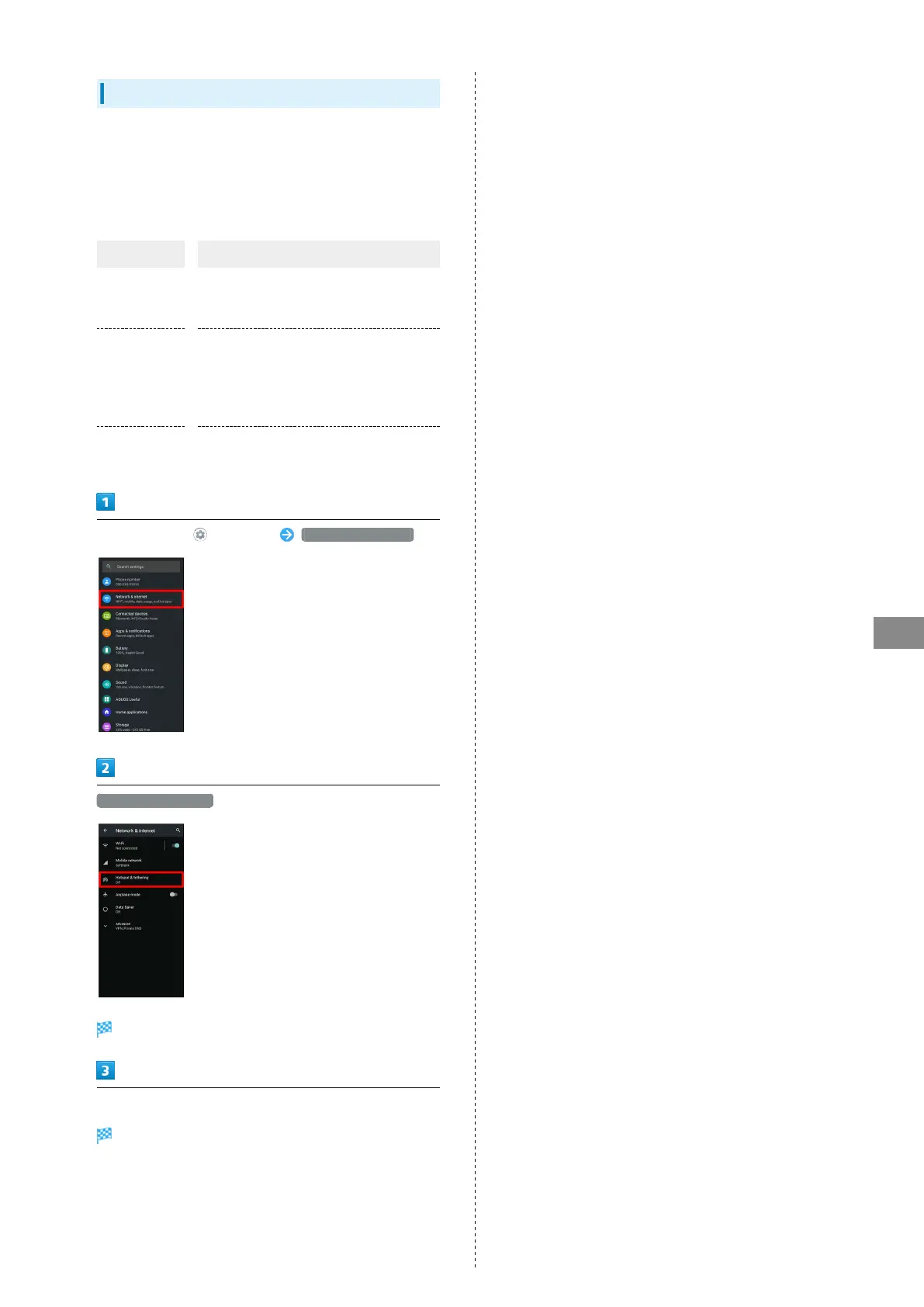
In Home Screen, (Settings) Network & internet
Hotspot & tethering
Hotspot & tethering menu opens.
Set each item
Setting is complete.



 To Next Page