48
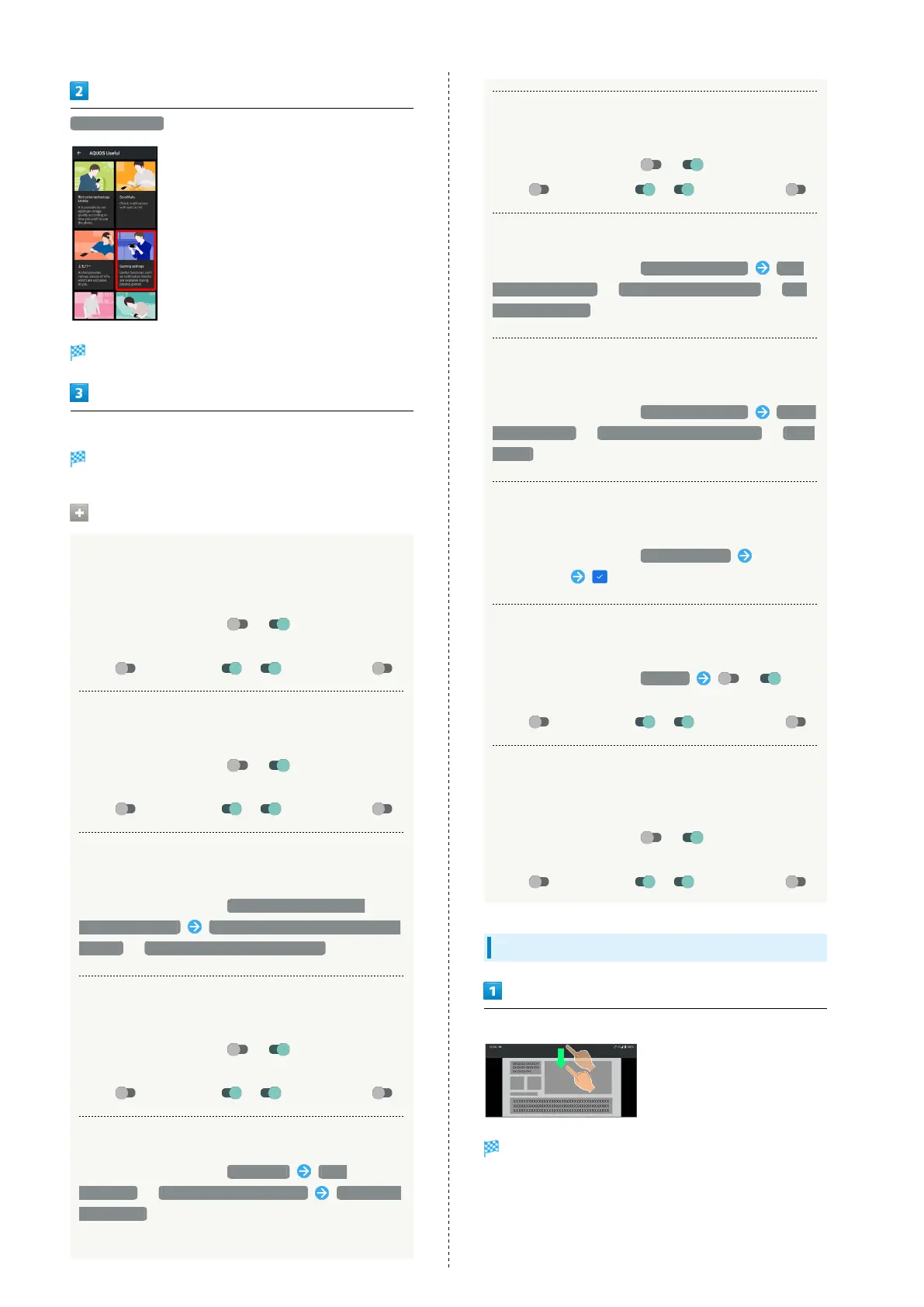
Gaming settings
Gaming settings menu opens.
Set each item
Setting is complete.
Gaming Settings Operations
Setting Whether to Make Gaming Screen
Sharper and Provide More Sensitive Touch
Response
In Gaming settings menu, / for "High-response
mode"
・
Tap to toggle on ( ), to toggle off ( ).
Setting Whether to Block Notifications while
Games are Running
In Gaming settings menu, / for "Block
notifications while games are running"
・
Tap to toggle on ( ), to toggle off ( ).
Setting Whether to Block all Notifications or
Block Notifications during Incoming Phone Calls
In Gaming settings menu, Block notifications while
games are running Block all notifications (display and
sounds) / Don't block incoming phone calls
Setting Whether to Optimize Image Quality of
Games
In Gaming settings menu, / for "Game image
quality"
・
Tap to toggle on ( ), to toggle off ( ).
Making Settings for Performance of Games
In Gaming settings menu, Resolution FHD
(balanced) / HD (movement prioritized) QUIT GAME
AND APPLY.
・Also end the game running in the background.
Setting Whether to Display Gaming Menu while
Games are Running
In Gaming settings menu, / for "View Menu"
・
Tap to toggle on ( ), to toggle off ( ).
Setting Recording Quality of Game Screen
In Gaming settings menu, Recording settings High
resolution (1080p) / Normal resolution (720p) / Low
resolution (480p)
Setting Sound of Screen Recordings while
Games are Running
In Gaming settings menu, Recording settings Record
app sound only / Record using the microphone. / Don't
record.
Setting Search String to Search on Web Site or
within SNS from Gaming Menu
In Gaming settings menu, Search settings Input
search string
Setting Applications Applicable to Gaming
Settings
In Gaming settings menu, App list / for
application name
・
Tap to toggle on ( ), to toggle off ( ).
Setting Whether to Notify when Installed
Application is Automatically Saved as Target of
Gaming Settings
In Gaming settings menu, / for "Notification
at auto-registration."
・
Tap to toggle on ( ), to toggle off ( ).
Opening Gaming Menu
Drag Status Bar down while running target applications
Gaming Menu opens in Notifications Window.



 To Next Page