111
Wi-Fi/Bluetooth
®
AQUOS zero2
Wi-Fi Operations
Enabling/Disabling Automatic Use of Wi-Fi
when High-Quality Network Is Saved (Home
Network, Etc.)
In Wi-Fi menu, Wi-Fi preferences Turn on Wi-Fi
automatically
・
Tap Turn on Wi-Fi automatically to toggle on ( )/
off ( ).
Enabling/Disabling Available Network
Notifications
In Wi-Fi menu, Wi-Fi preferences Open network
notification
・
Tap Open network notification to toggle on ( )/
off ( ).
Installing Certificates
In Wi-Fi menu, Wi-Fi preferences Advanced
Install certificates Follow onscreen prompts
Enabling/Disabling Network Rating Provider
In Wi-Fi menu, Wi-Fi preferences Advanced
Network rating provider Select provider
Checking MAC Address
In Wi-Fi menu, Wi-Fi preferences Advanced
・MAC address is shown below "MAC address."
Checking IP Address
In Wi-Fi menu, Wi-Fi preferences Advanced
・IP address is shown below "IP address."
Checking Access Point Activity while Connected
In Wi-Fi menu, Tap access point
・Connection activity, signal strength, frequency, security,
etc. appear.
Troubleshooting
Q. Cannot detect access points
A. There may be multiple access points using neighboring
channels. In this instance, handset may not detect
access points correctly.
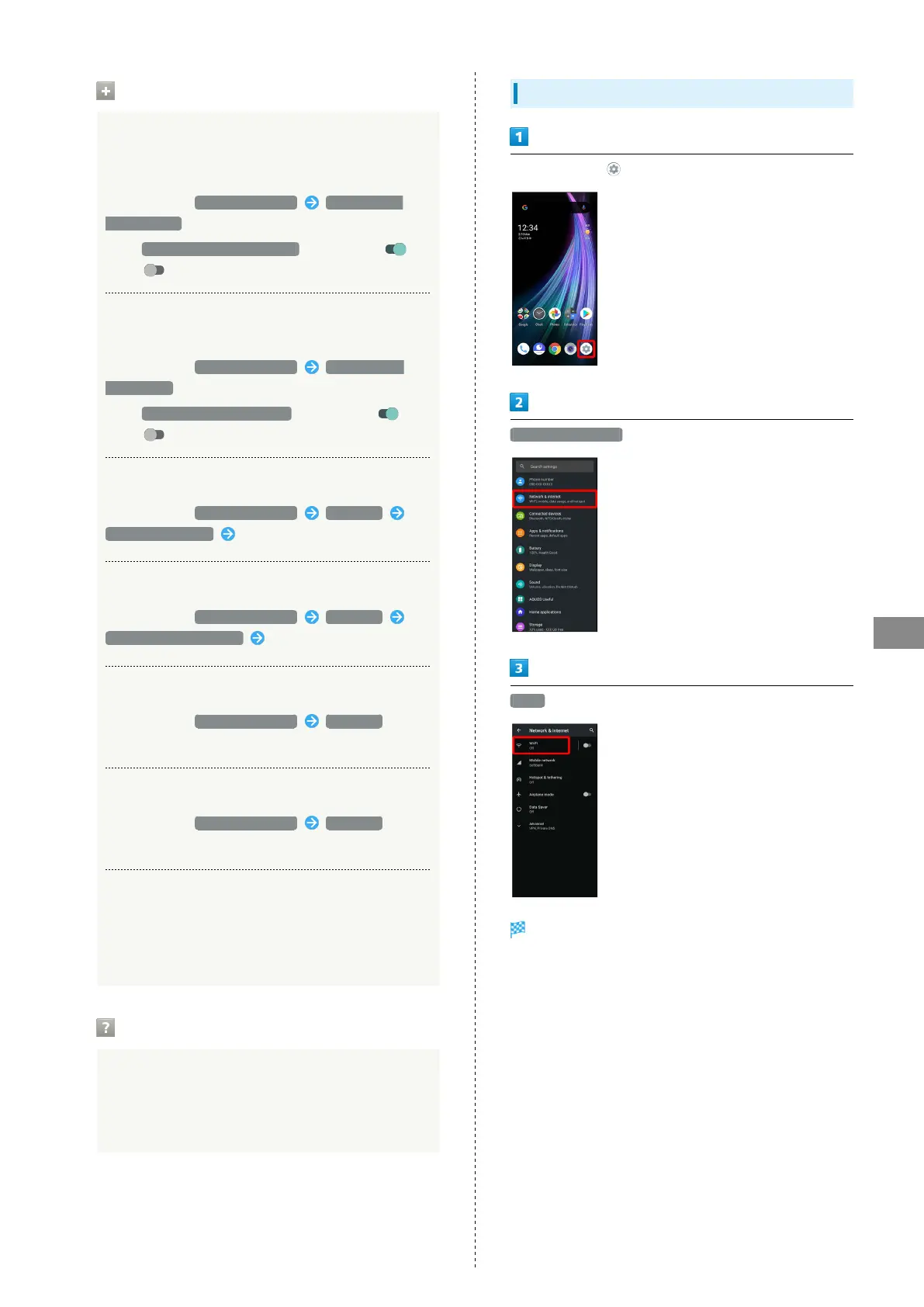
Entering Details Manually to Connect
In Home Screen, (Settings)
Network & internet
Wi-Fi
Wi-Fi menu opens.



 To Next Page