113
Wi-Fi/Bluetooth
®
AQUOS zero2
Deleting Connected Access Points
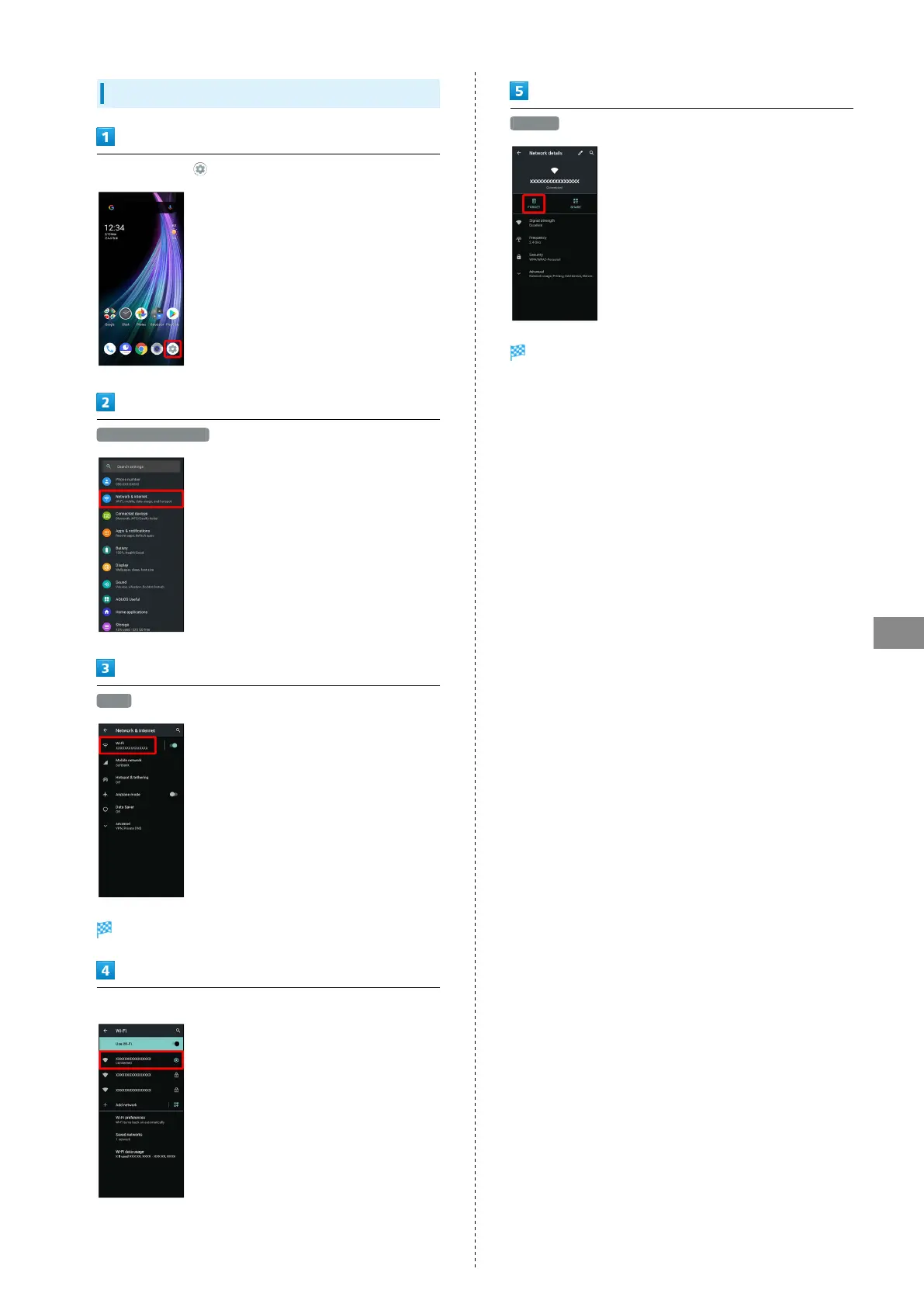
In Home Screen, (Settings)
Network & internet
Wi-Fi
Wi-Fi menu opens.
Tap connected access point
FORGET
Handset disconnects from the access point.
・After disconnecting from an access point connection, the
password may need to be entered again to reconnect.



 To Next Page