156
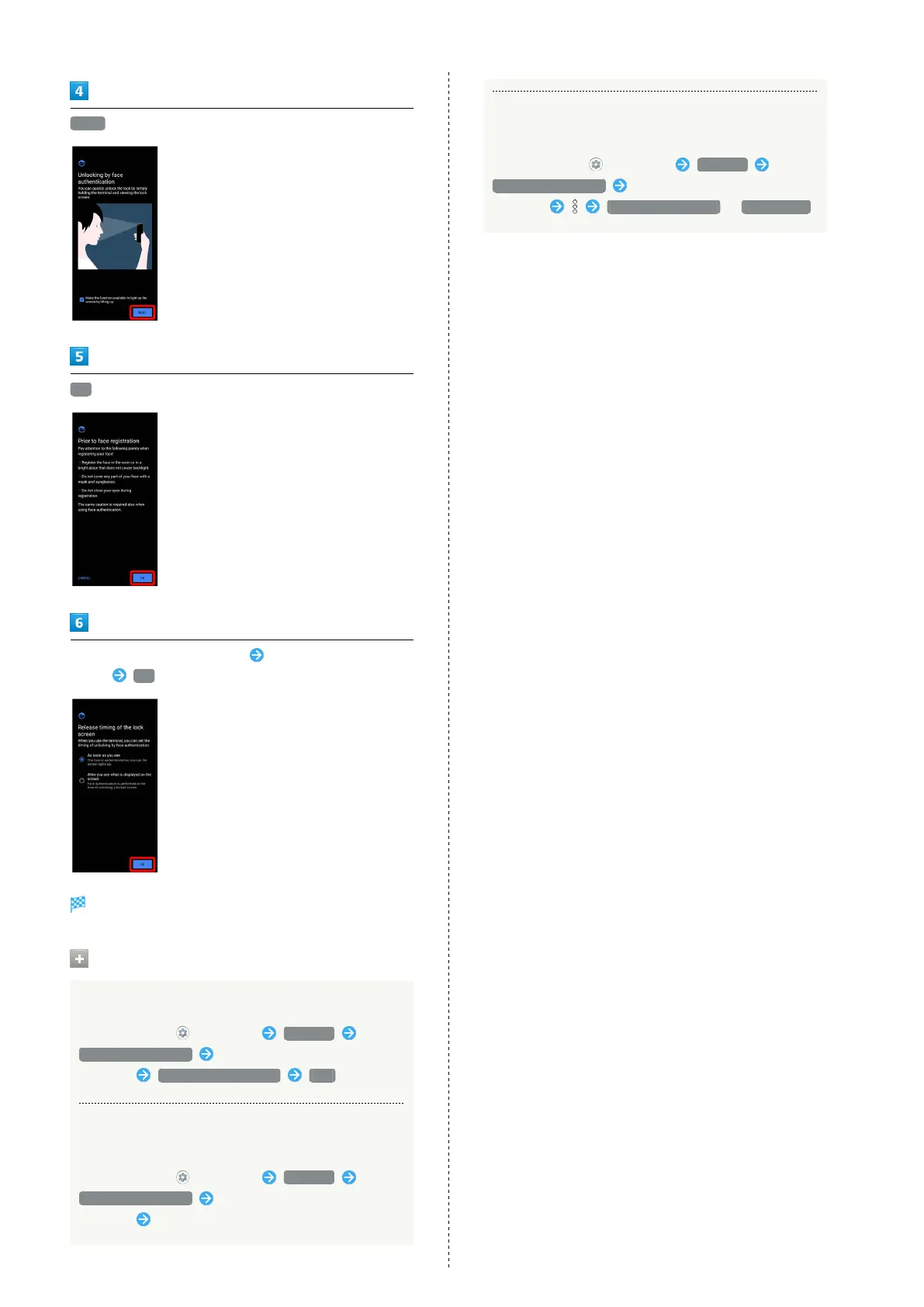
NEXT
OK
Align face with onscreen guides Tap when to unlock
screen OK
Face data is saved.
Operations when Saving Faces
Deleting Face Authentication Settings
In Home Screen, (Settings) Security
Face authentication Enter pattern/lock no. (PIN)/
password Deletion of face data YES
Changing When to Unlock Screen after Saving
Face Data
In Home Screen, (Settings) Security
Face authentication Enter pattern/lock no. (PIN)/
password Tap when to unlock screen
Checking Overview and Precautions for Face
Authentication after Saving Face Data
In Home Screen, (Settings) Security
Face authentication Enter pattern/lock no. (PIN)/
password Face authentication / Precautions



 To Next Page