162
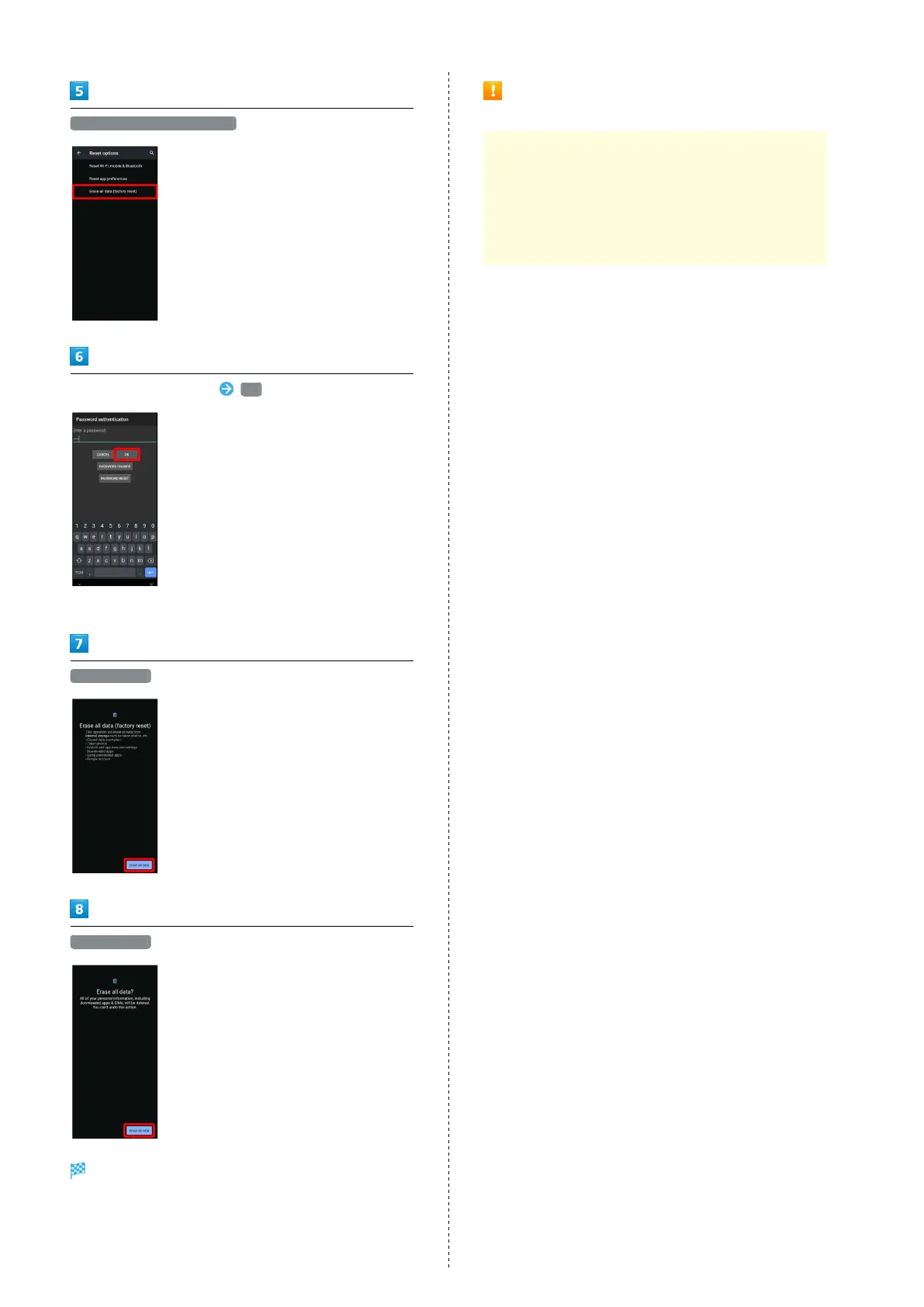
Erase all data (factory reset)
Enter Operation Password OK
・If Operation Password is unset, follow onscreen prompts.
Erase all data
Erase all data
Handset is reset.
Cautions when Erasing All Data
(Factory Reset)
Observe the following when erasing all data (factory
reset).
・Erasing all data (factory reset) deletes all data in
internal storage irreversibly. Back up important data
beforehand.
・Deleted content cannot be restored. Reset with caution.



 To Next Page