15
Getting Started
AQUOS zero2
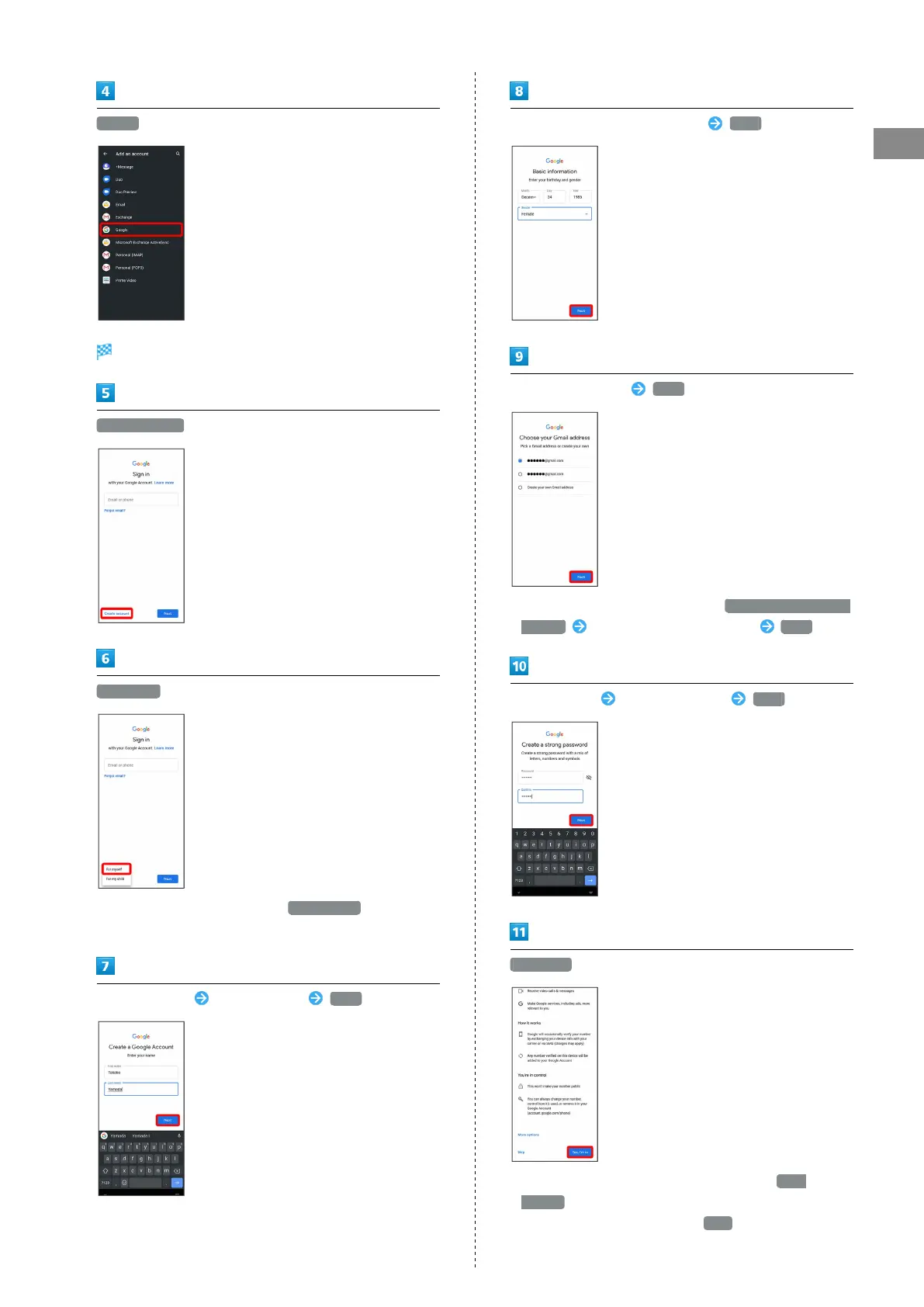
Google
Window for logging in to a Google account opens.
Create account
For myself
・
To create a child's account, Tap For my child , then follow
onscreen prompts.
Enter first name Enter last name Next
Set/enter date of birth and gender Next
Select a mail address Next
・
To create another mail address, Tap Create your own Gmail
address Enter user name (mail address) Next .
Enter password Re-enter password Next
Yes, I'm in
・
To add a phone number for security only, Tap More
options . Continue by following onscreen prompts.
・
To not add a phone number, Tap Skip .



 To Next Page