21
Basic Operations
AQUOS zero2
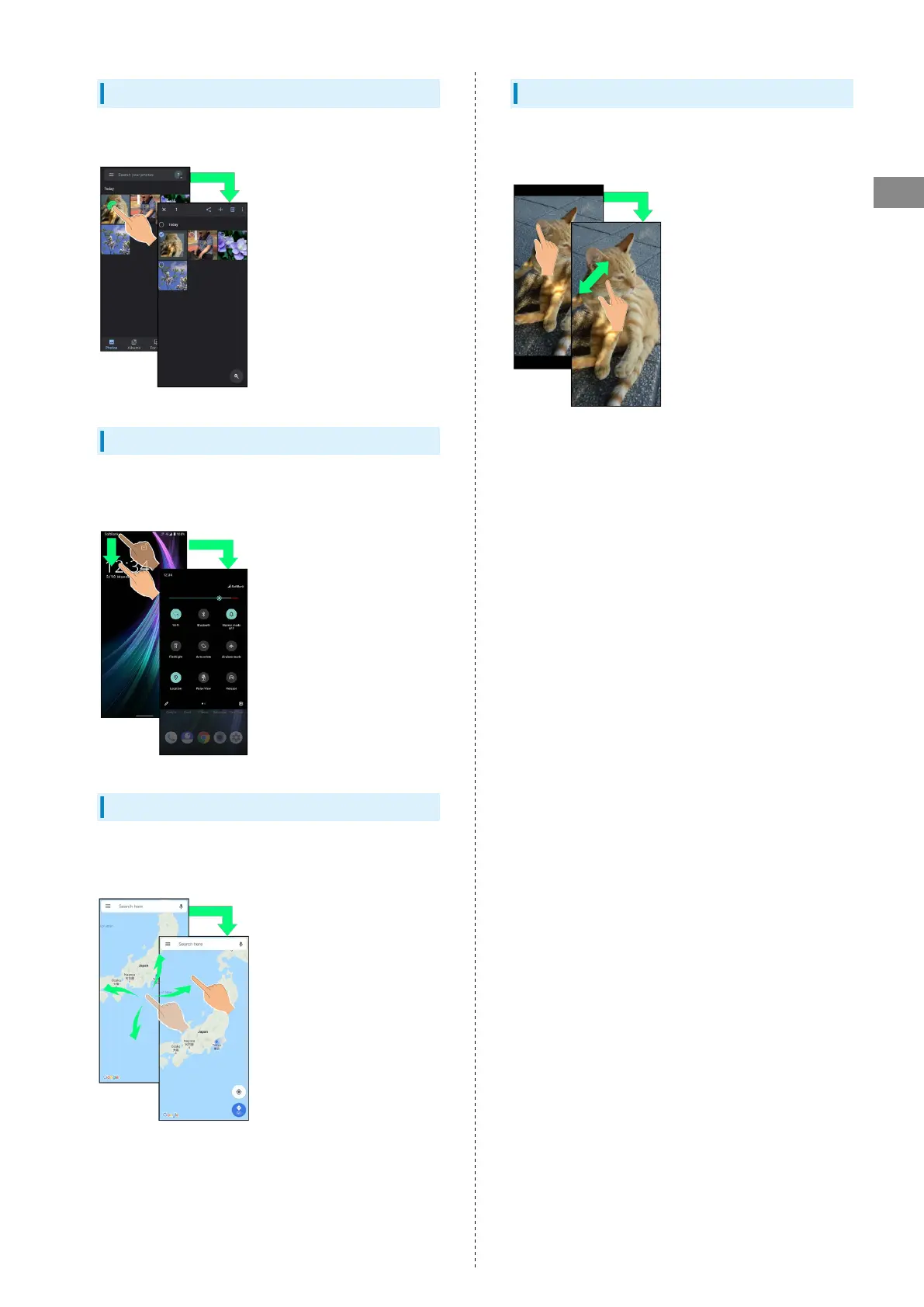
Touch & Hold
Contact Display lightly; release finger when screen changes.
Drag
Touch icon or other item lightly, move it where desired, and
release finger.
Flick
Contact Display lightly, then brush screen up/down or left/
right.
Pinch/Spread
Contact Display lightly, then move fingers toward each other
(Pinch) or away from each other (Spread).



 To Next Page