23
Basic Operations
AQUOS zero2
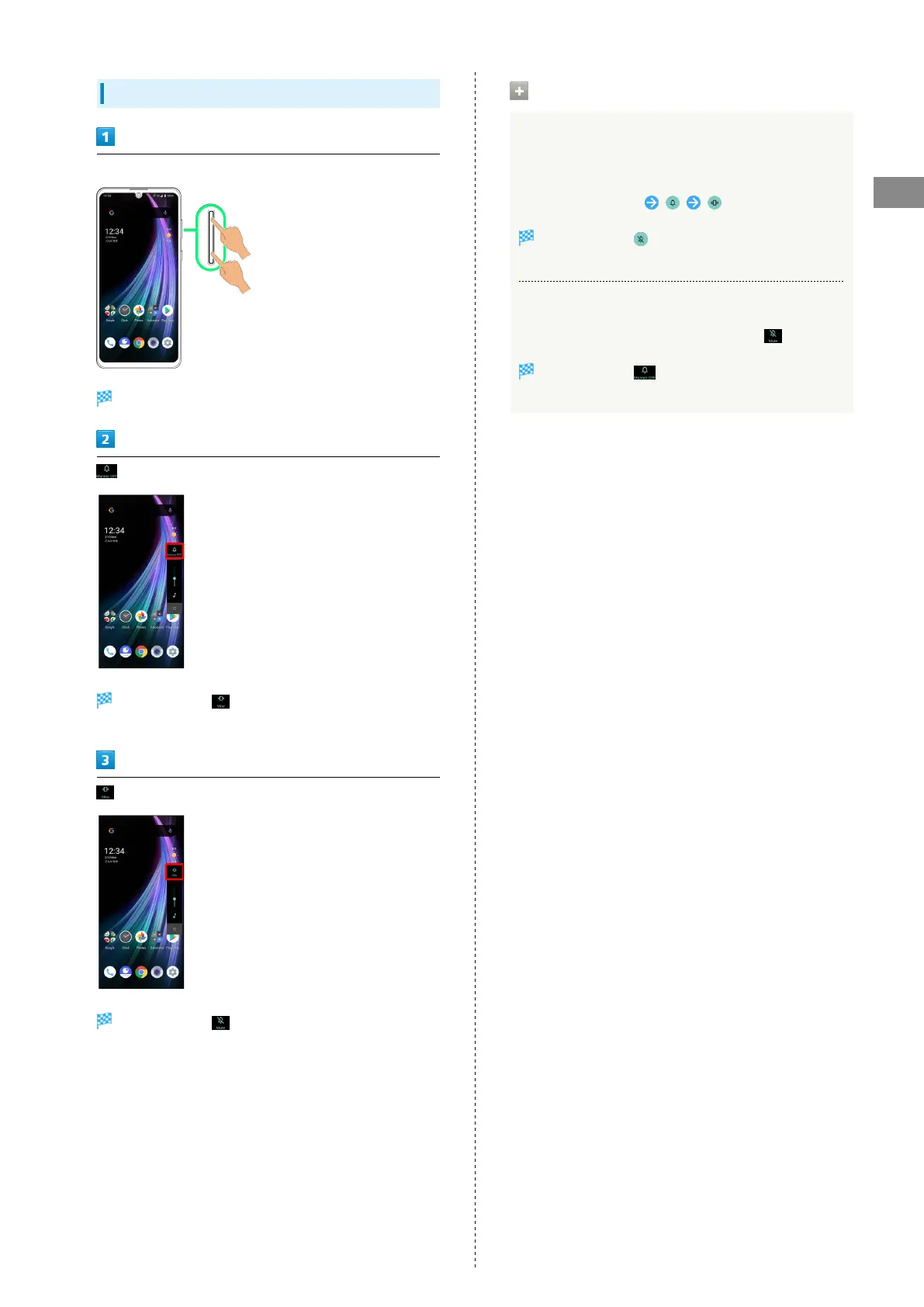
Activating Manner Mode (Mute)
Press Volume Up/Down Key
Volume bar appears.
(Manner OFF)
Icon changes to (Vibe), and handset enters Manner
mode (vibe).
(Vibe) while volume bar is displayed
Icon changes to (Mute), and handset enters Manner
mode (mute).
Manner Mode (Mute) Operations
Setting from Quick Settings
Manner mode (mute) setting is also accessible from Quick
Settings Window.
Drag Status Bar down
Icon changes to , and handset enters Manner mode
(mute).
Canceling Manner Mode (Mute)
Press Volume Up/Down Key for volume bar, (Mute)
Icon changes to (Manner OFF), and handset exits
Manner mode.



 To Next Page