30
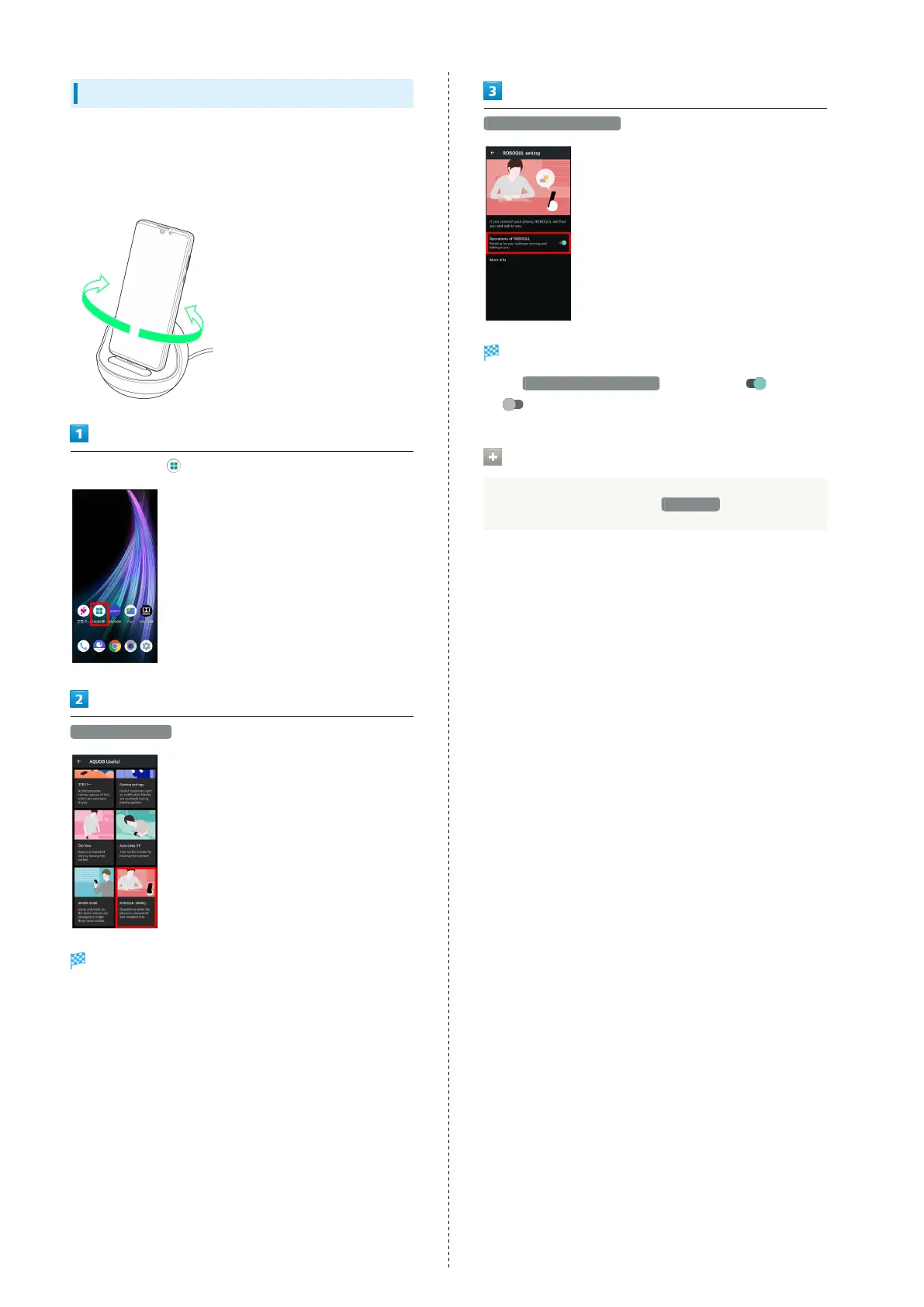
Setting ROBOQUL
Set whether ROBOQUL swivels while charging with ROBOQUL.
・When enabled while charging using ROBOQUL and handset
is powered on, ROBOQUL swivels when Display lights up, at
start of charging, for incoming calls, alarms, etc.
In Home Screen, (AQUOS Useful)
ROBOQUL setting
ROBOQUL setting window opens.
Operations of ROBOQUL
Setting is complete.
・
Tap Operations of ROBOQUL to toggle on ( )/off
( ).
Viewing Information on ROBOQUL
In ROBOQUL setting window, More info



 To Next Page