36
Adding Shortcuts
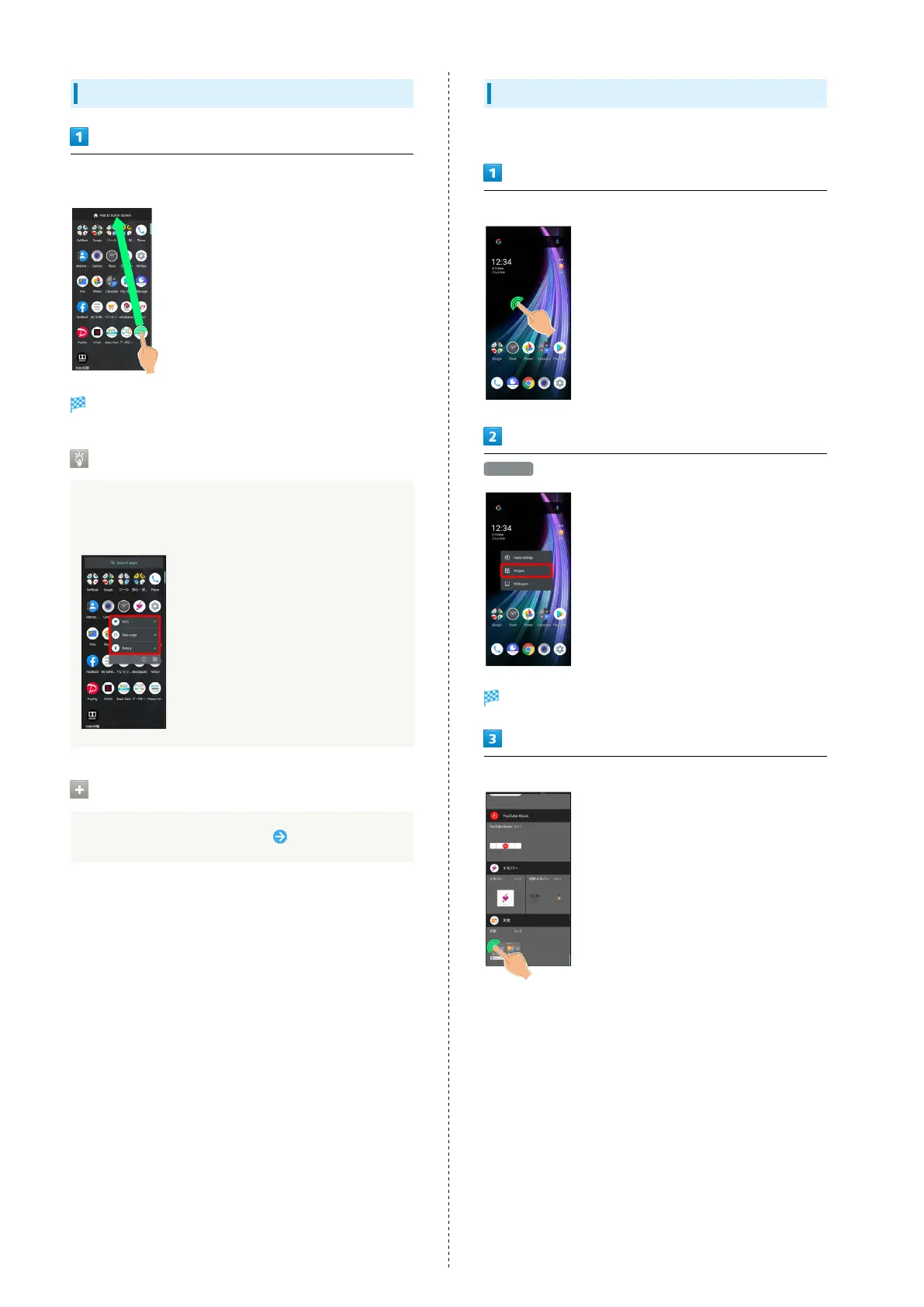
In app list, Touch & Hold application and Drag to "Add to home
screen"
Shortcut is added automatically.
Function Shortcuts
With some applications, Touch & Hold for shortcuts to
functions. Touch & Hold function shortcut then release
finger at location in Home Screen to add function shortcut.
Deleting Shortcuts
In Home Screen, Touch & Hold icon Drag to "Remove"
Adding Widgets
Add Chrome bookmarks, Analog clock, etc. as follows.
Touch & Hold open area of Home Screen
Widgets
A list of widgets opens.
Touch & Hold widget



 To Next Page