41
Handset Interface
AQUOS zero2
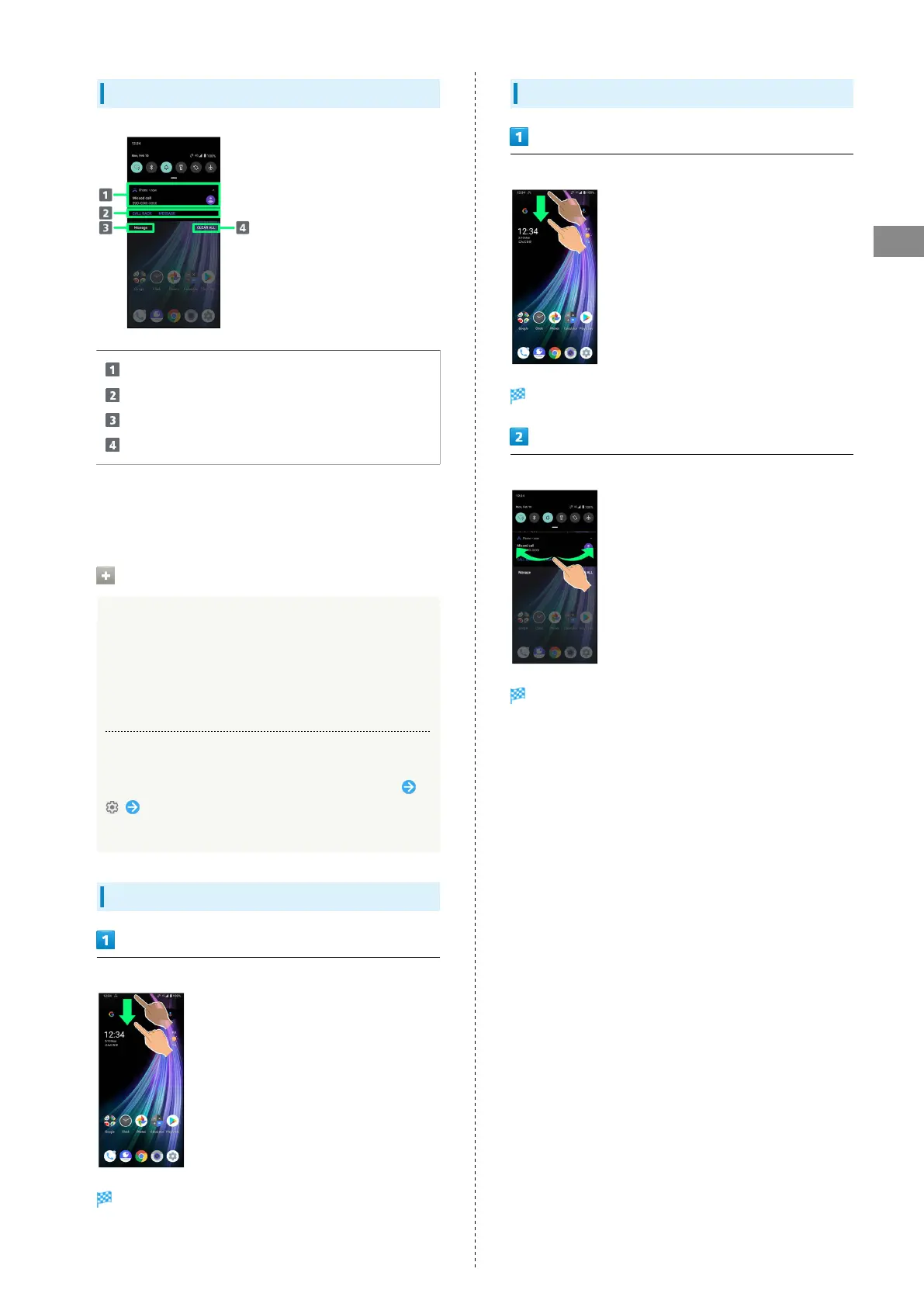
Notifications Window Layout
Notifications and active functions.
Use corresponding functions.
1
Manage notifications.
Delete all notifications and close Notifications Window.
1 Usable functions depend on the notification. As an
example, dial or send an SMS to the phone number of a new
call.
Notifications Window Operations
Switching between Detailed & Simple Views for
Notifications in Notifications Window
In Notifications Window, Drag notification down/up with
two fingers at the same time, or Pinch/Spread
・Unavailable for some notifications.
Making Notification Settings
In Notifications Window, Drag notification left/right
Follow onscreen instructions
・Settable items depend on the notification.
Checking Notifications
Drag Status Bar down
Notifications Window opens.
Deleting Notifications
Drag Status Bar down
Notifications Window opens.
Flick notification left/right
Notification is deleted.
・Some notifications may not be deleted.



 To Next Page