75
Messaging
AQUOS zero2
Creating/Sending Email
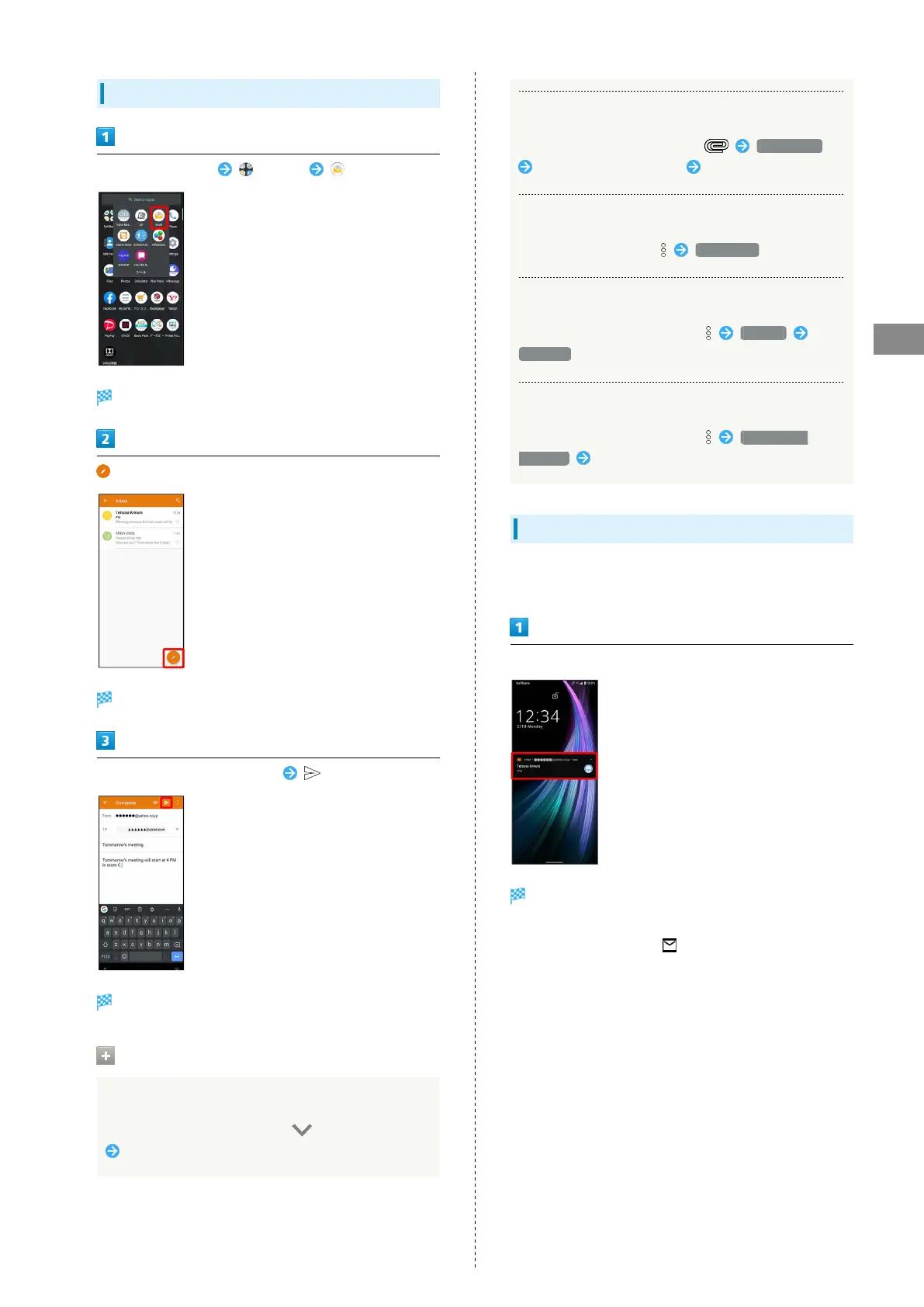
Flick Home Screen up (Tools) (Email)
Message list opens.
Message composition window opens.
Enter recipient, subject and text
Message is sent.
Operations when Creating Message
Adding Cc/Bcc Recipients
In message composition window, in Recipient field
Enter recipient
Attaching Files
In message composition window, Attach file
Select where file is saved Select file
Saving Current Message as Draft
While creating message, Save draft
Discarding Current Message
In message composition window, Discard
DISCARD
Adding Quick Response Text
In message composition window, Insert quick
response Select text
Opening New Email
When message arrives, new message notification appears in
lock screen.
In lock screen, Tap new message notification twice
Message window opens.
・For two or more new messages, message list opens; Tap one.
・
When screen is unlocked, appears on Status Bar. Drag
Status Bar down, then Tap notification.



 To Next Page