79
Internet
AQUOS zero2
Opening Saved (Downloaded) Image, Etc.
In Home Screen, (Files) Browse
Downloads Tap image, etc.
・If confirmation appears, follow onscreen prompts.
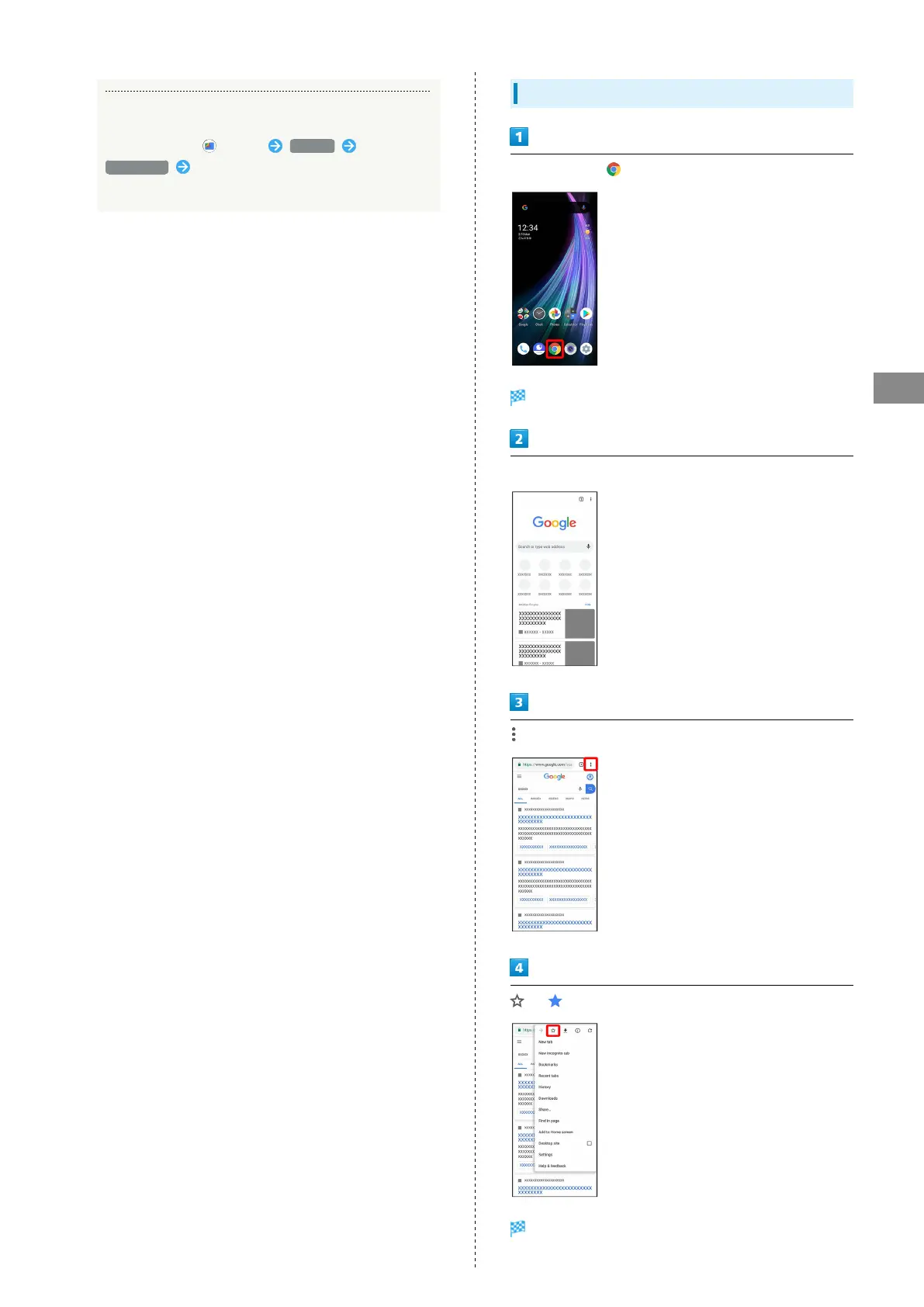
Adding Bookmarks
In Home Screen, (Chrome)
Chrome activates.
Show Website to add
( )
Current Website is added to Bookmarks.



 To Next Page