81
Internet
AQUOS zero2
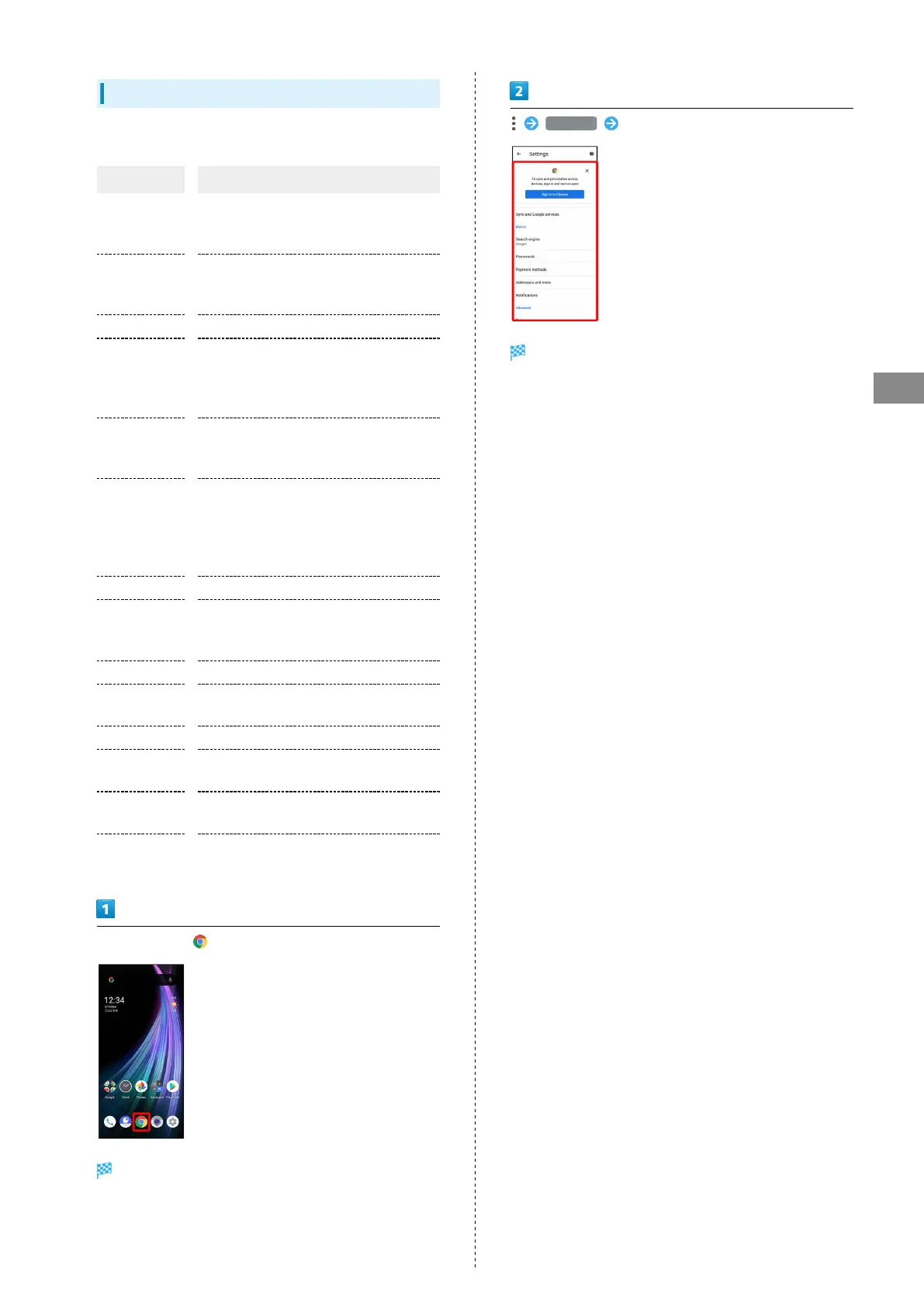
Setting Chrome
Make Chrome settings. Settable items are the following.
Item Description
Sign in to
Chrome
Sign in to your Google Account and make
settings for bookmarks, history, etc. View
account information.
Sync and
Google
services
Set whether to sync with Chrome and
check Chrome data on other devices, and
to use Google services.
Search engine Select a search engine.
Passwords
Enable or disable the saving of user
names and passwords by websites,
confirm/delete websites that have saved
passwords, etc.
Payment
methods
Set whether to automatically enter
payment information in forms, and edit
credit card information.
Addresses and
more
Set whether to automatically enter
information such as residence addresses,
phone numbers and mail addresses in
forms, and edit residence addresses and
other information.
Notifications Make notification settings.
Privacy
Set whether to show suggestions for an
access error, whether usage and error
reports are sent, etc.
Accessibility Set text size, etc.
Site settings
Set whether to allow cookies, enable
JavaScript, etc.
Languages Make language settings.
Lite mode
Set whether to use the Google server for
faster page loading.
Downloads
Set save destination, etc. for downloaded
data.
About Chrome
View version information, etc. about
Chrome.
In Home Screen, (Chrome)
Chrome activates.
Settings Set items
Settings are complete.
・For some items, additional settings may appear when
Tapping the item.



 To Next Page