4.1. Install Hardware
The FPC-7900 Series is constructed based on modular design to make it easy
for users to add hardware or to maintain the computer. The following sections
will guide you to the simple hardware installations for the computer.
4.1.1. Open the Computer
For the computer, removing the top and bottom covers is essential to open the
computer and access the inside. Follow through the steps below to remove the
top cover and bottom cover from the computer.
4.1.1.2. Remove Top Cover
All jumpers, CPU socket, MiniCard socket, SDRAM SO-DIMM slots, DIO/
LPT ports are built on the top side of the main board. To access these
components, the computer’s top cover has to be removed. Follow through the
steps below to remove the top cover.
FPC-7900
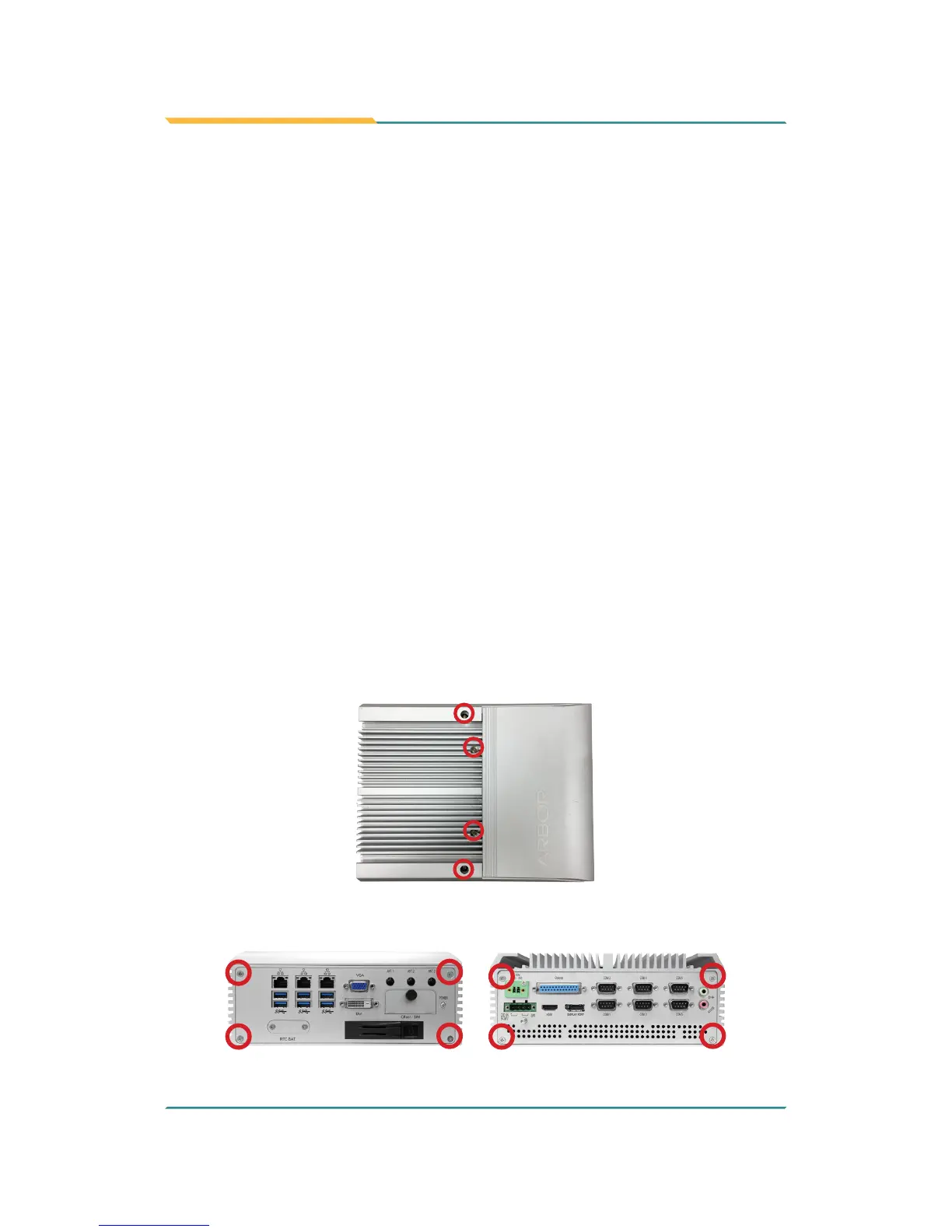
1. Place the computer on a at surface. Loosen and remove the 4 screws as
shown below.
2. Loosen and remove the 4 screws on the front and rear panels respectively
as shown below.



 To Next Page