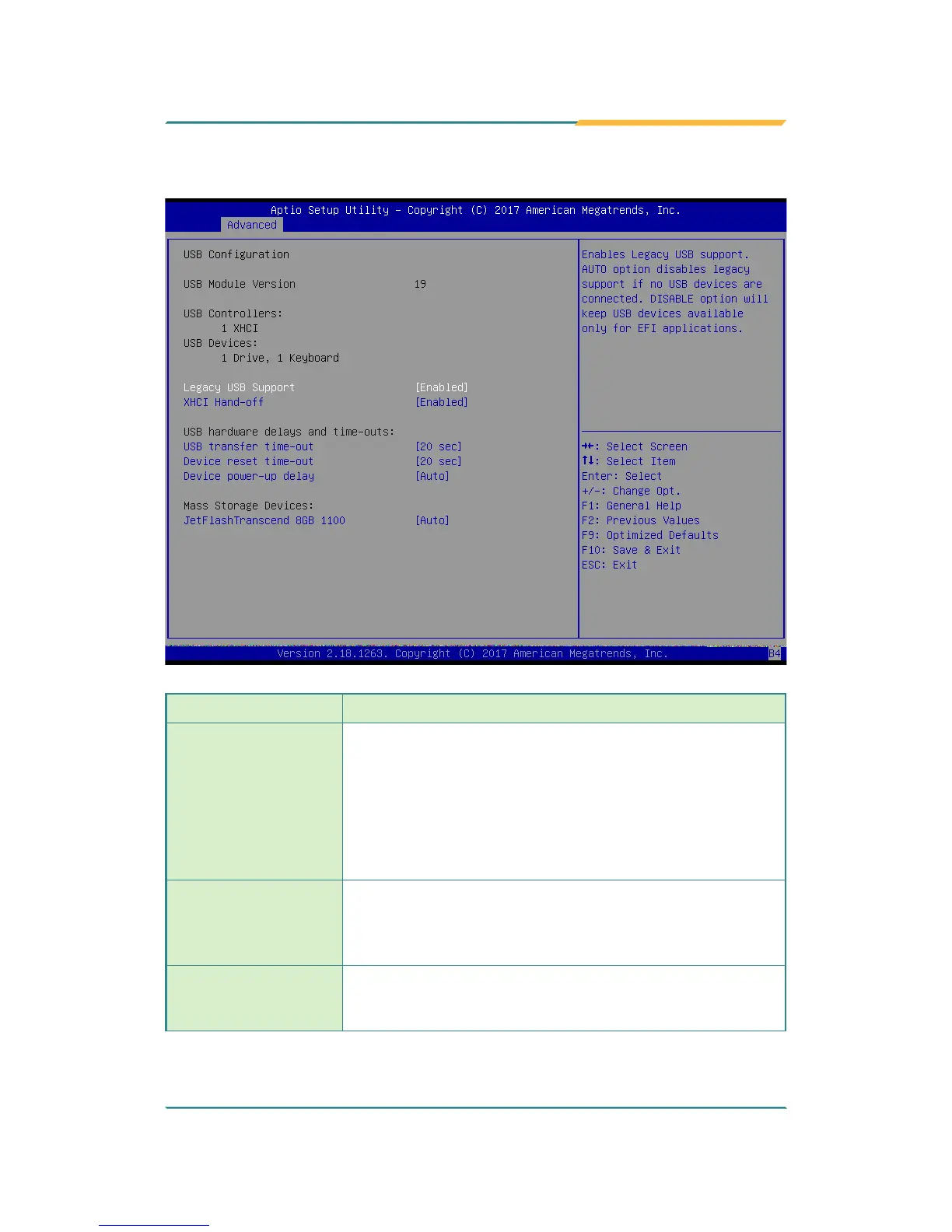
5.2.11. USB Conguration
Setting Description
Legacy USB Support
Enables/disables legacy USB support.
► Options available are Enabled (default), Disabled and
Auto.
► Select Auto to disable legacy support if no USB device
are connected.
► Select Disabled to keep USB devices available only for
EFI applications.
XHCI Hand-off
This is a workaround for OSes without XHCI hand-off
support. The XHCI ownership change should be claimed
by XHCI driver.
► The optional settings are: Enabled (default) / Disabled.
USB Transfer time-
out
Use this item to set the time-out value for control, bulk, and
interrupt transfers.
► Options: 1 sec, 5 sec, 10 sec, 20 sec (default).



 To Next Page