4.1.4. Install Wi-Fi Module
1. Remove the top cover from the computer as described in 4.1.1.2. Remove
Top Cover on page 32.
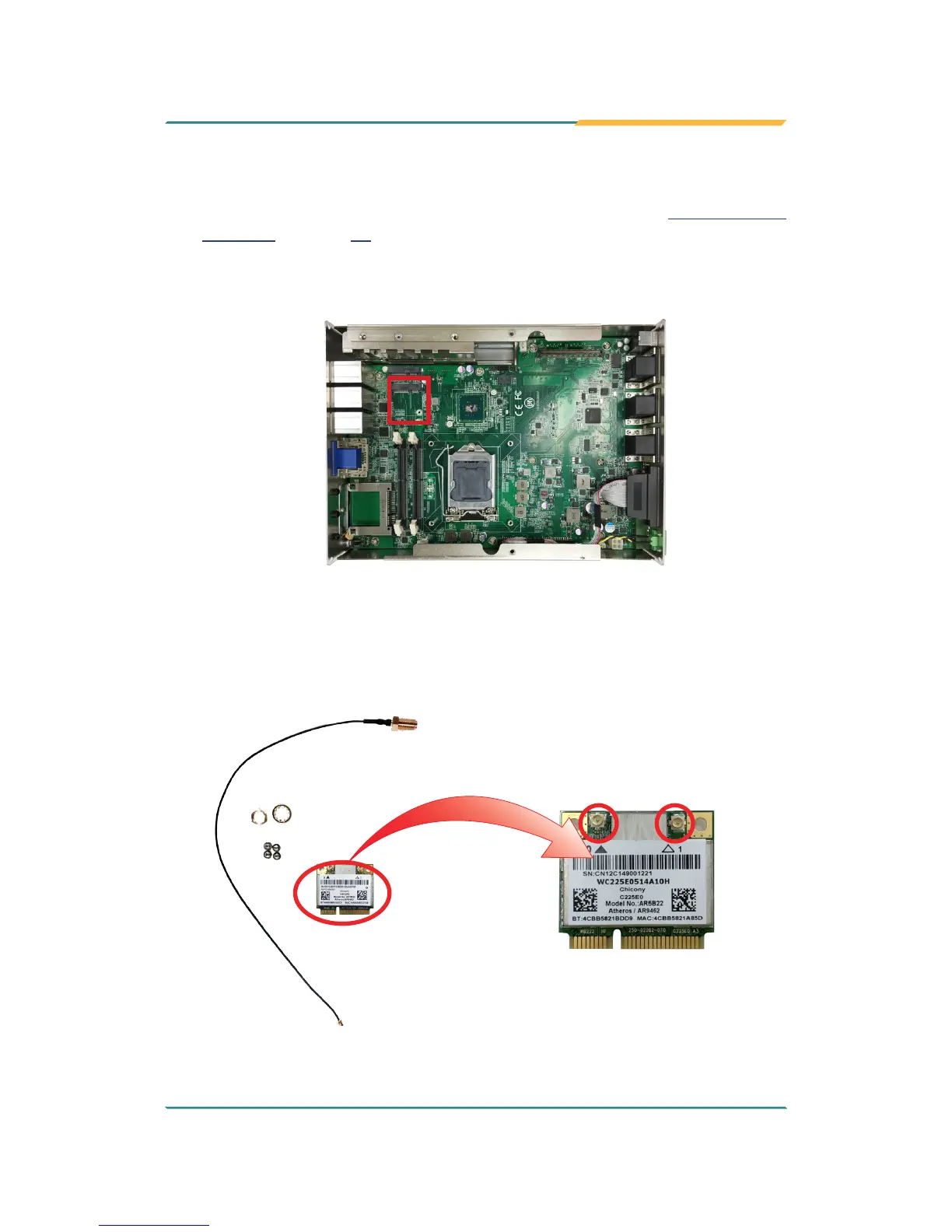
2. Locate the PCI Express Mini-card socket for wireless module.
3. Prepare the Wi-Fi module kit. The module is a half-size module of PCI
Express Mini-card form factor, with two U.FL connectors, one is “MAIN“,
and the other is “AUX“.
Two U.FL connectors, one
is “MAIN” (marked 0), the
other is “AUX” (marked 1).



 To Next Page