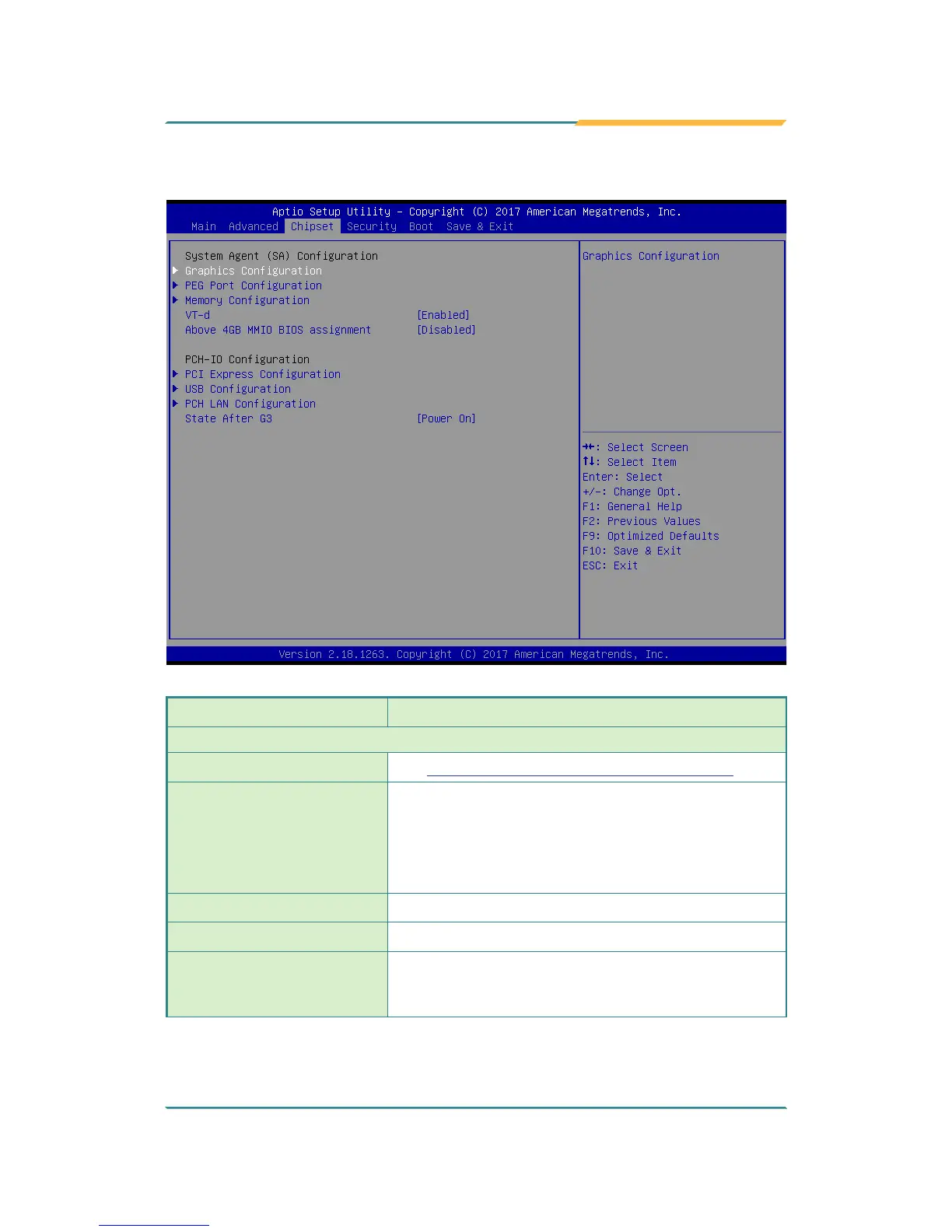
5.3. Chipset
Setting Description
System Agent (SA) Conguration
Graphics Conguration
See 5.3.1.1. Graphics Configuration on page 81
PEG Port Conguration
PEG port options
Enable Root Port: Enable or Disable the root port.
► Options: Auto (default), Enabled and Disabled.
Max Link Speed: Congure PEG 0:1:0 Max Speed.
► Options: Auto (default), Gen1, Gen 2 and Gen3.
Memory Conguration
Access this submenu to view the memory conguration.
VT-d
Enable (default) or Disable VT-d function
Above 4GB MMIO BIOS
assignment
Enable or Disable (default) Above 4GB MMIO BIOS
assignment. This is enabled automatically when
aperture size is set to 2048MB.



 To Next Page