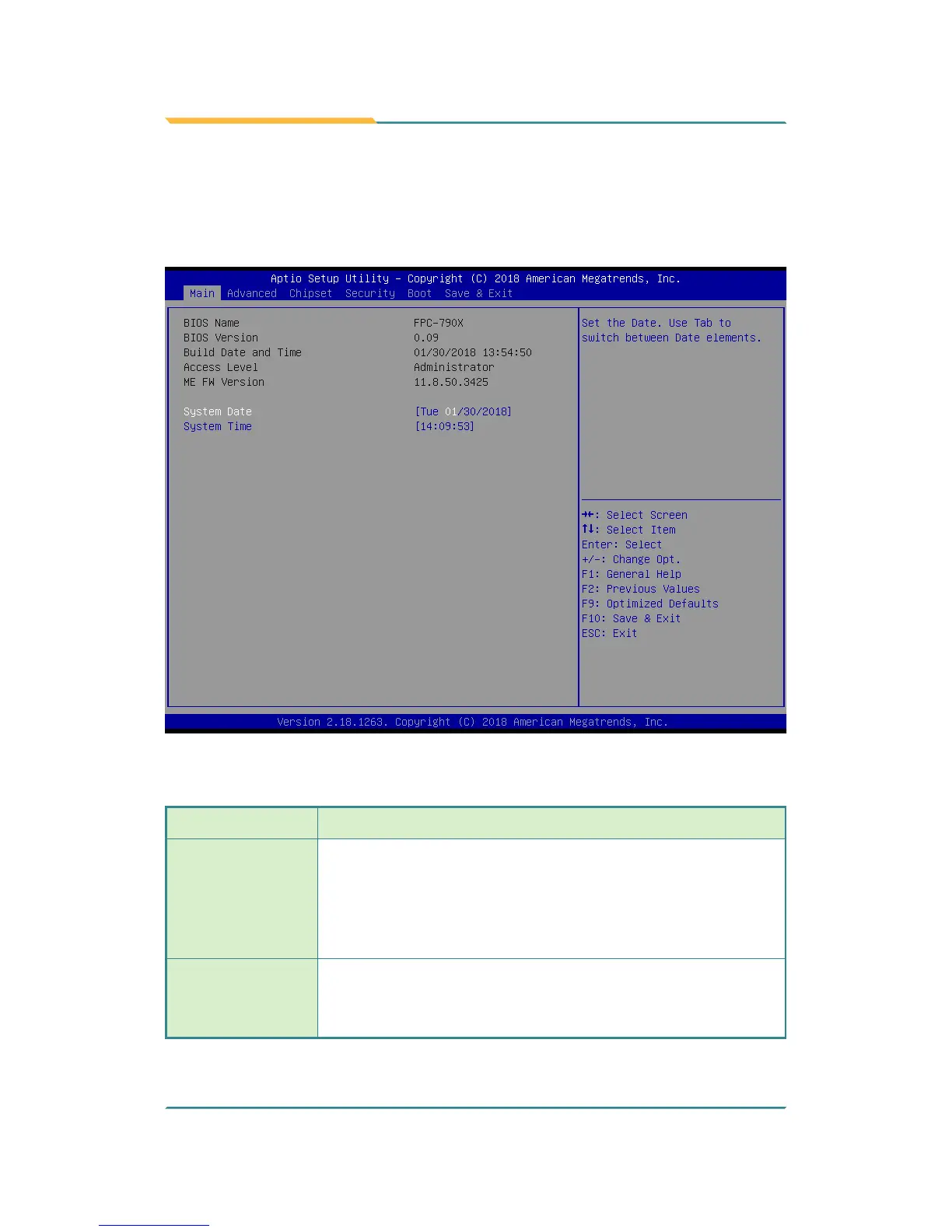
5.1. Main
The Main menu features the settings of System Date and System Time and
displays some BIOS info.
The featured settings are:
Setting Description
System Date
Set the system date. Use Tab to switch between Data elements.
Note that the ‘Day’ automatically changes when you set the date.
► The date format is: Day: Sun to Sat
Month: 1 to 12
Date: 1 to 31
Year: 1998 to 2099
System Time
Set the system time. Use Tab to switch between Time elements.
► The time format is: Hour: 00 to 23
Minute: 00 to 59
Second: 00 to 59



 To Next Page