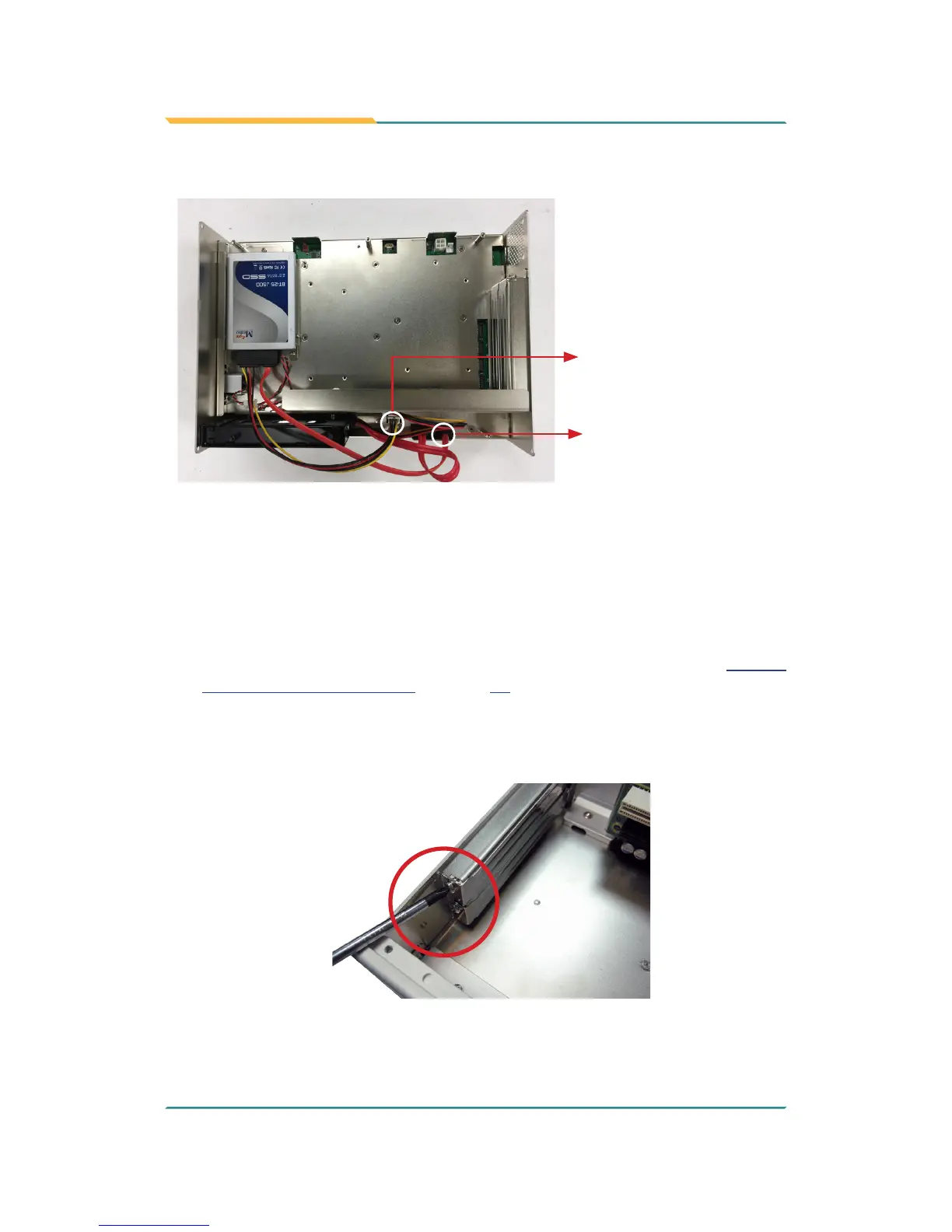
5. Connect the SATA signal cable and power cable.
SATA signal connector
SATA power connector
6. Restore the bottom cover to the computer.
4.1.6. Install PCI and PCI Express Cards (for FPC-790X Only)
To install a PCI or PCI Express card:
1. Remove the bottom cover from the computer as described in 4.1.1.2.
Remove the Bottom Cover on page 35.
2. Use a cross head screwdriver to loose the screw that secure the expansion
slot bracket. And then you can install a PCIe card to this expansion slot.
3. Restore the bottom cover to the computer.



 To Next Page