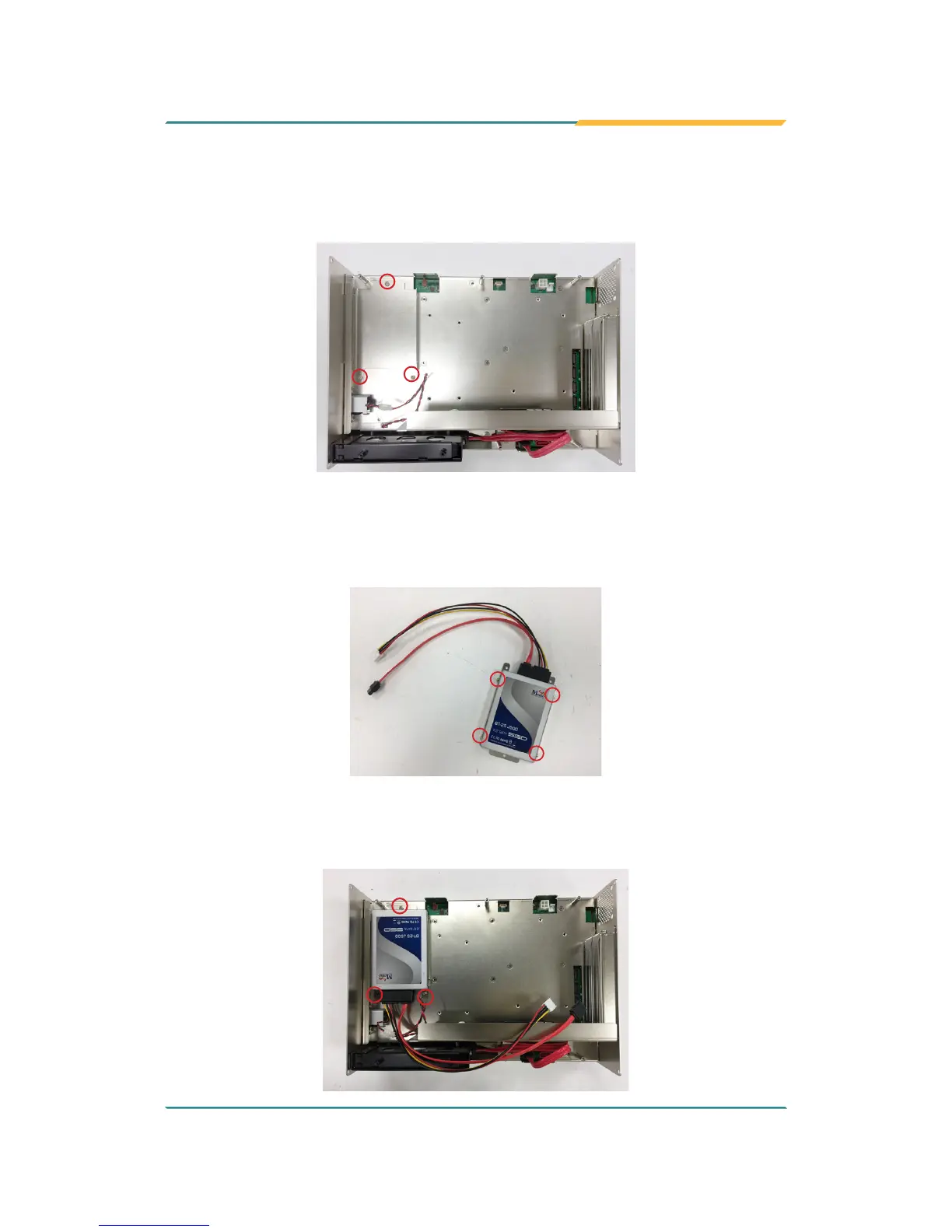
2. Find the HDD/SSD brackets inside the computer. Loosen and remove the
screws as marked in the illustration below. Then dismount the brackets
from the computer.
3. Attached the SATA cable to the HDD/SSD storage device. Slide the
HDD/SSD storage device into the bracket and x the storage device in
place by fastening the 2 screws on both sides of the bracket .
4. Install the bracket with the storage device back into the computer by
refastening the 3 screws.



 To Next Page