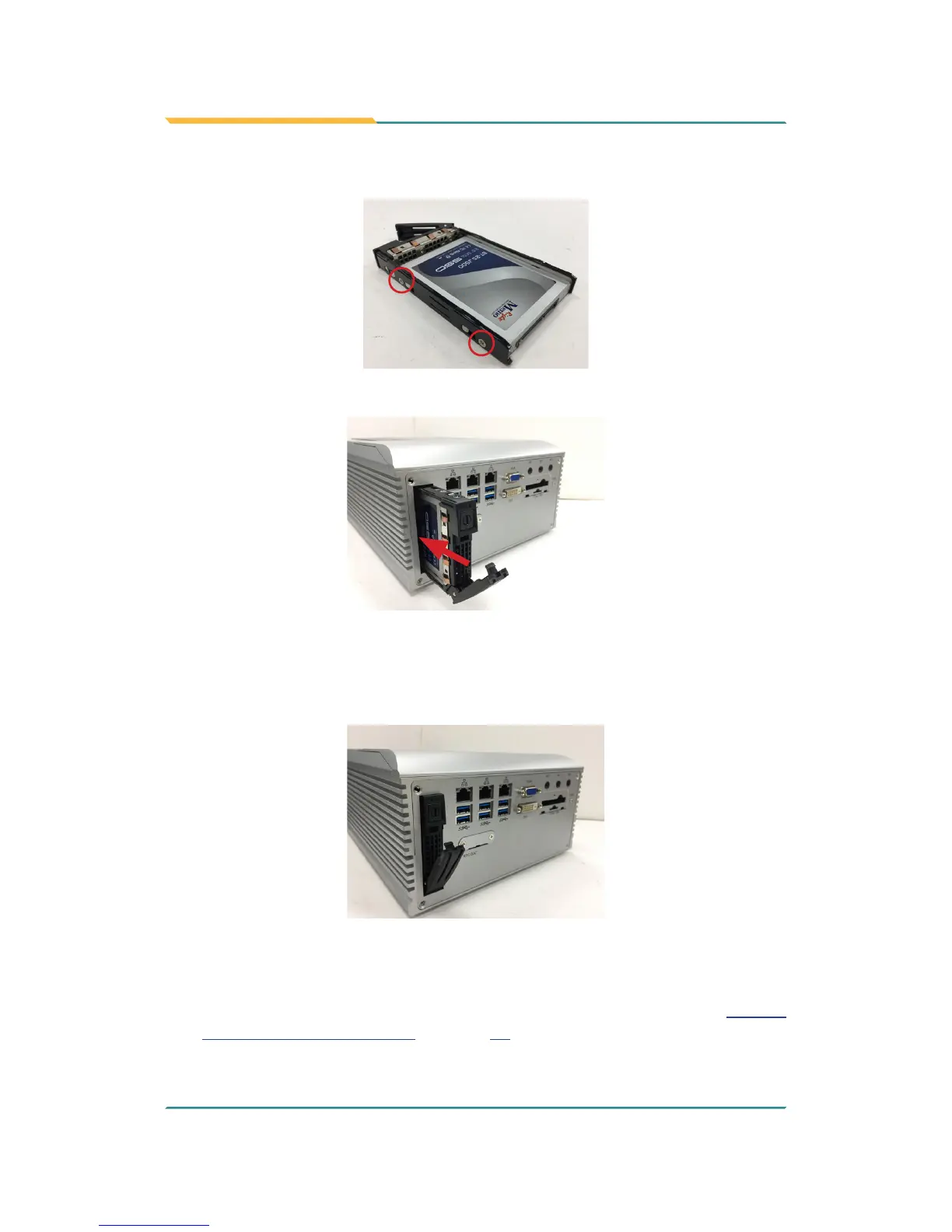
4. Fix the storage device in place by fastening the 2 screws on both sides of
the tray .
5. Slide the tray back into the slot.
6. Press the eject button rst to further slide in the tray. (Do not press
the lever directly.) When the lever returns a little bit, press the lever to
completely slide the tray back into the drive bay.
➋
➊
4.1.5.2. Install Internal SATA Storage Device
1. Remove the bottom cover from the computer as described in 4.1.1.2.
Remove the Bottom Cover on page 35..



 To Next Page