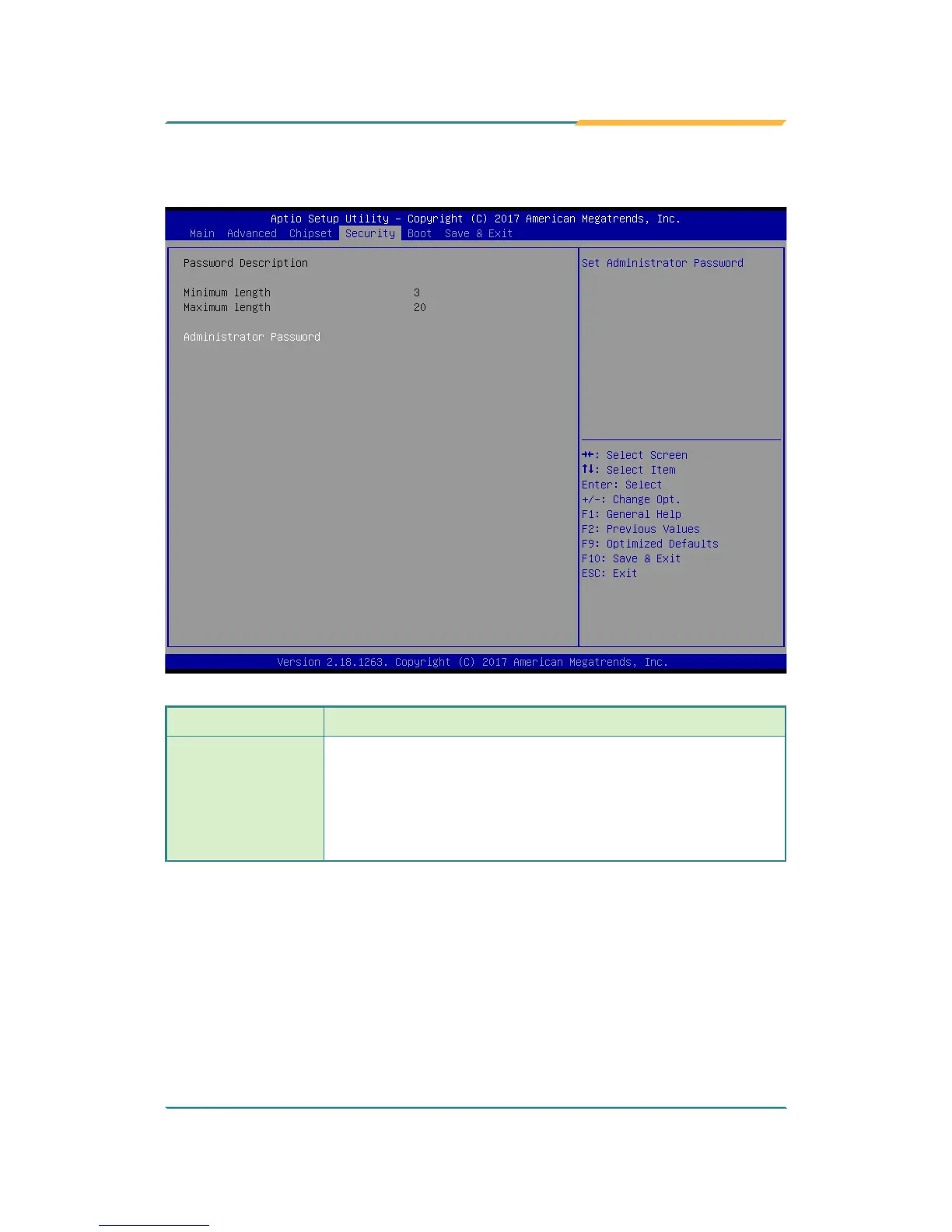
5.4 Security
Setting Description
Administrator
Password
To set up an administrator password:
1. Select Administrator Password.
2. An Create New Password dialog then pops up onscreen.
3. Enter your desired password that is no less than 3
characters and no more than 20 characters.
4. Hit [Enter] key to submit.



 To Next Page