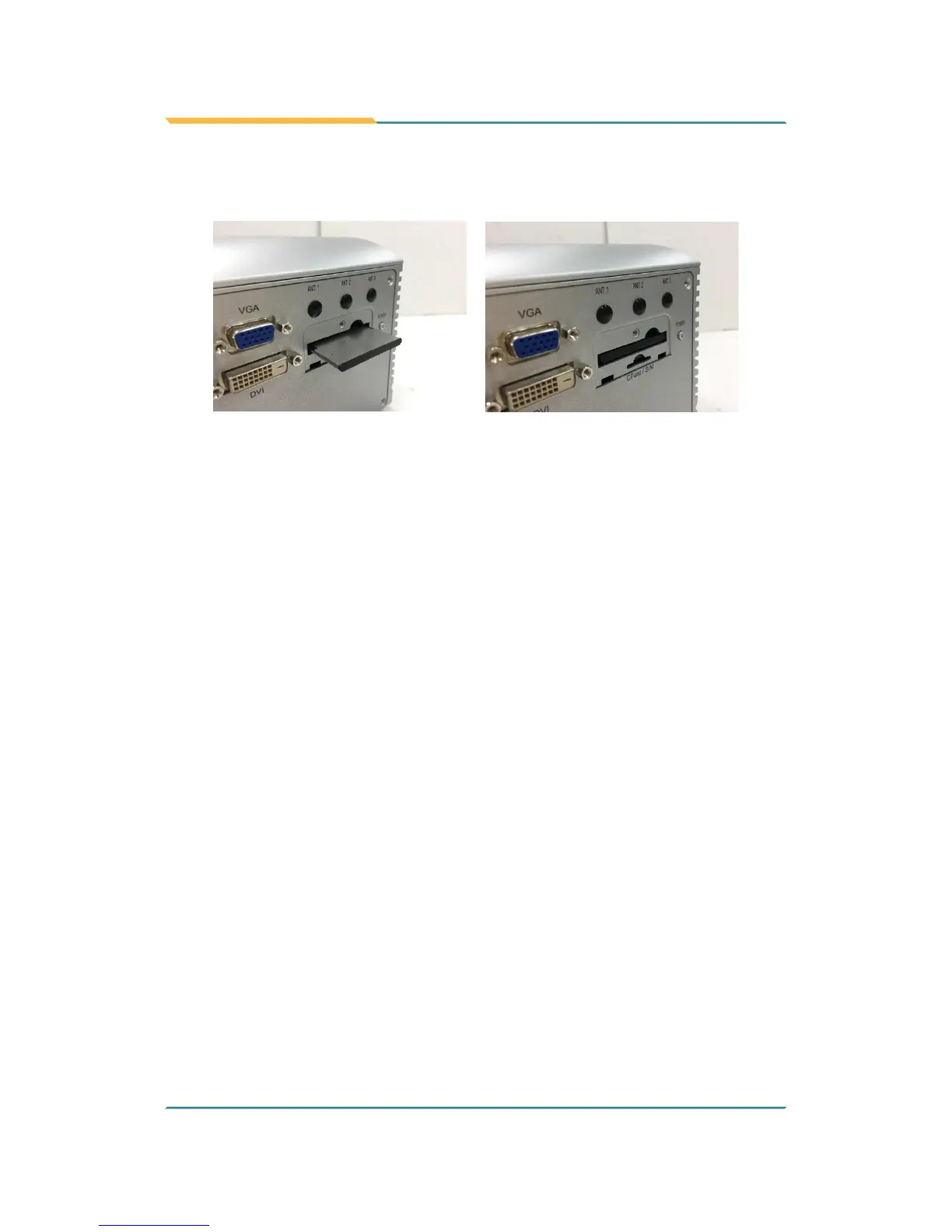
3. Position the CFast card as directed by the graphic printed on the front
panel. Insert the CFast card all the way into the slot.
To uninstall the CFast card:
1. Loosen and remove the card door screw and open the card door.
2. Push-eject the CFast card.
3. Remove the CFast card.
4. Refasten the screw to close the card door.
Note: Make sure to refasten the screw to close the card door each time the
CFast card is installed or uninstalled.
4.1.8. Install/uninstall SIM Card
This section will use FPC-790X as the example to guide you through the SIM
card installation steps:
1. From the front panel of the computer, nd the door to the SIM card slot.
Loosen and remove the screw that locks the door.



 To Next Page