FPC-7900
FPC-790X
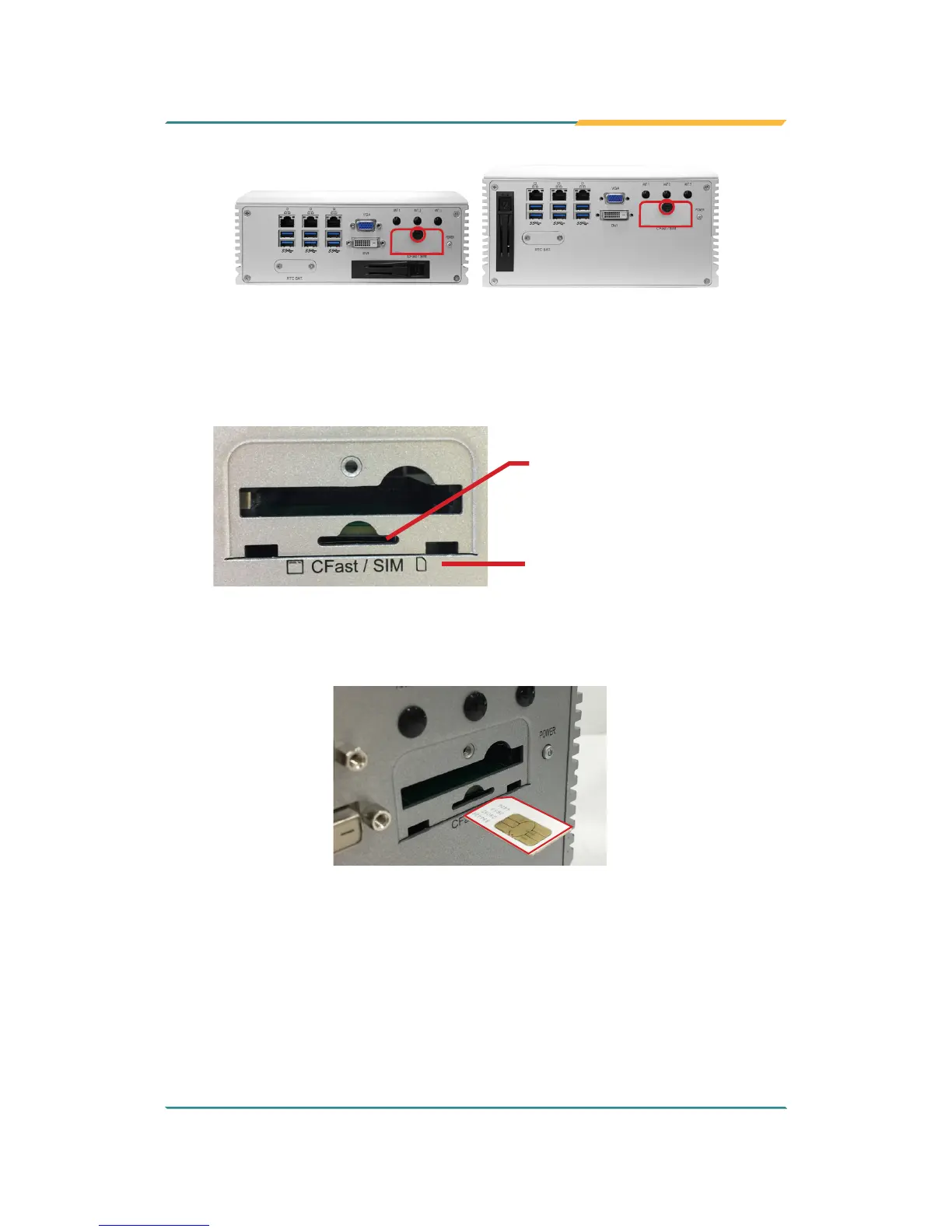
2. Once the screw is removed, open the door. The SIM card slot then comes
to view.
Follow the printed graphic to
insert the SIM card
SIM card slot
3. Position the SIM card at the slot as directed by the graphic printed on the
inner side of the door. Push-insert the SIM card.
To uninstall the SIM card:
1. Loosen and remove the card door screw and open the card door.
2. Push-eject the SIM card.
3. Remove the SIM card.



 To Next Page