4. Refasten the screw to close the card door.
Note: Make sure to refasten the screw to close the card door each time the SIM
card is installed or uninstalled.
4.2. Ground the Computer
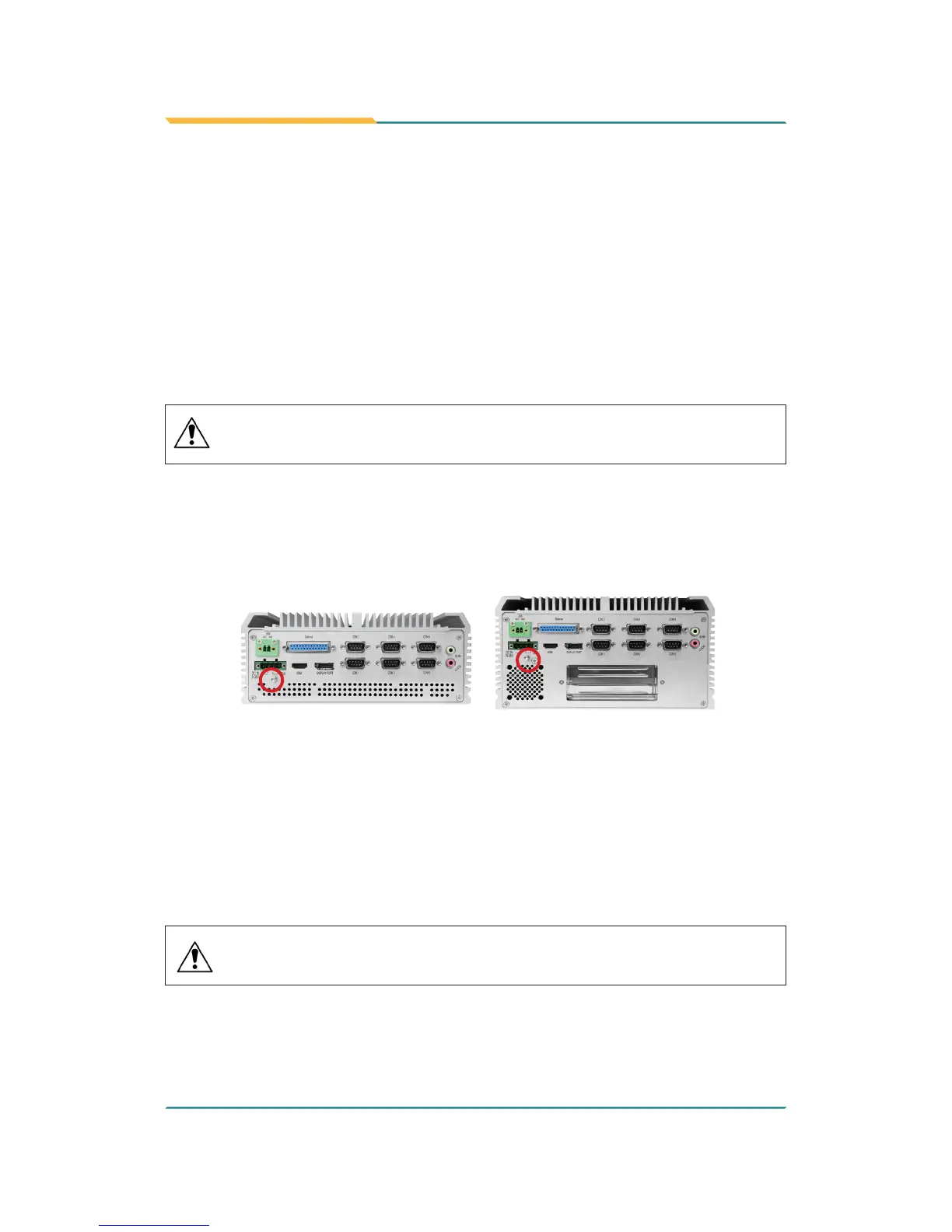
Follow the instructions below to ground the computer to land. Be sure to follow
every grounding requirement in your place.
Warning Whenever the unit is installed, the ground connection
must always be made rst of all and disconnected lastly.
1. See the illustration below. Remove the ground screw from the rear panel.
2. Attach a ground wire to the rear panel with the screw.
FPC-7900 FPC-790X
4.3. Wire DC-in Power Source
4.3.1 Automation Mode
Follow the instructions below for connecting the computer to a DC-input power
source.
Warning Only trained and qualied personnel are allowed to
install or replace this equipment.
1. Before wiring, make sure the power source is disconnected.
2. Find the terminal block in the accessory box.



 To Next Page