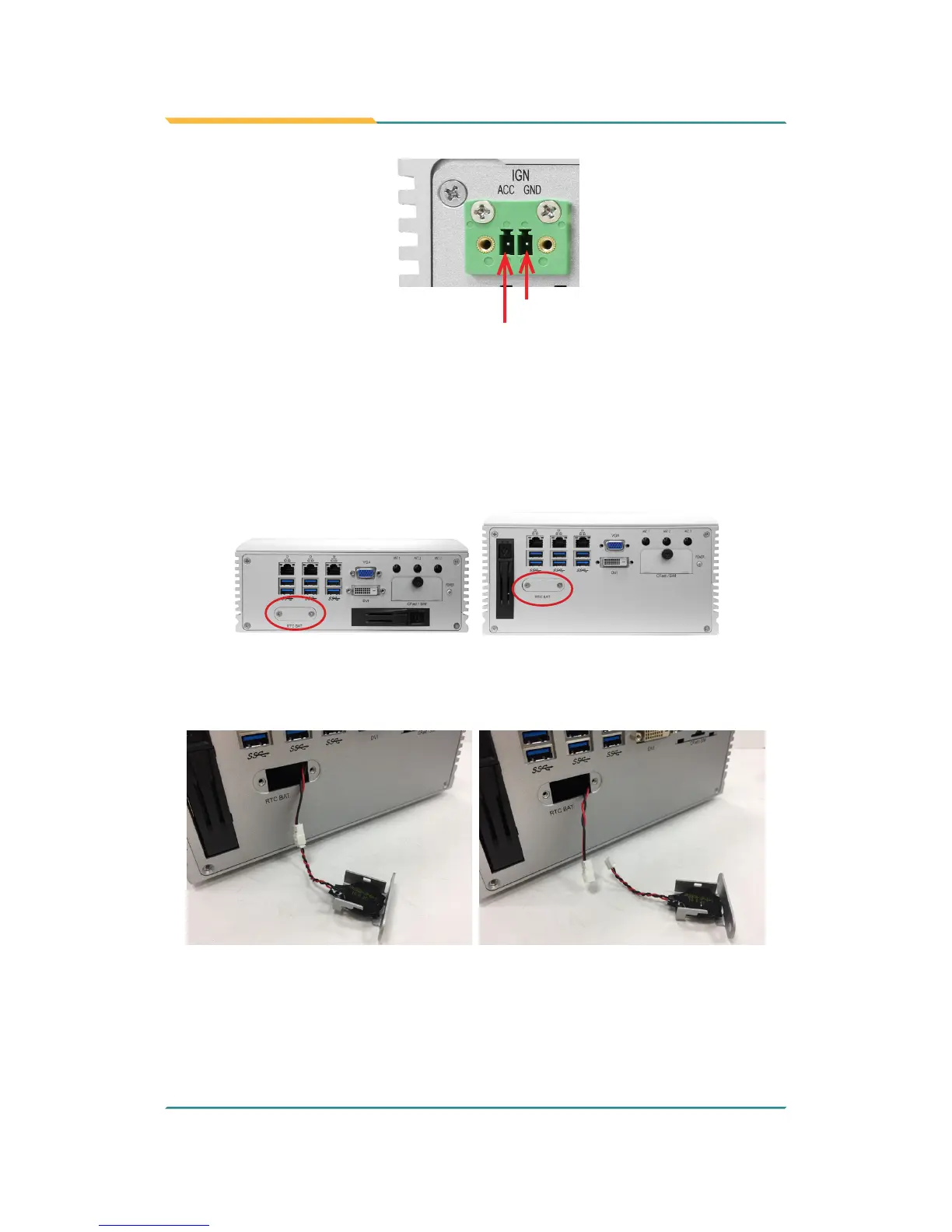
GND
Acc
4.4. Replace RTC Battery
The computer comes with a built-in supercapacitor CMOS so that users can
replace RTC battery without losing settings. To replace the RTC battery:
1. Remove the 2 screws that secure the RTC service battery window.
FPC-7900
FPC-790X
2. Pull out the RTC battery and disconnect the battery cable from its
connector on the system board.
3. Using a non-metallic tool, pry up the RTC battery from the adhesive that
secures it to bracket.
4. Replace the RTC battery and reconnect the battery cable to the
connector on the system board.



 To Next Page