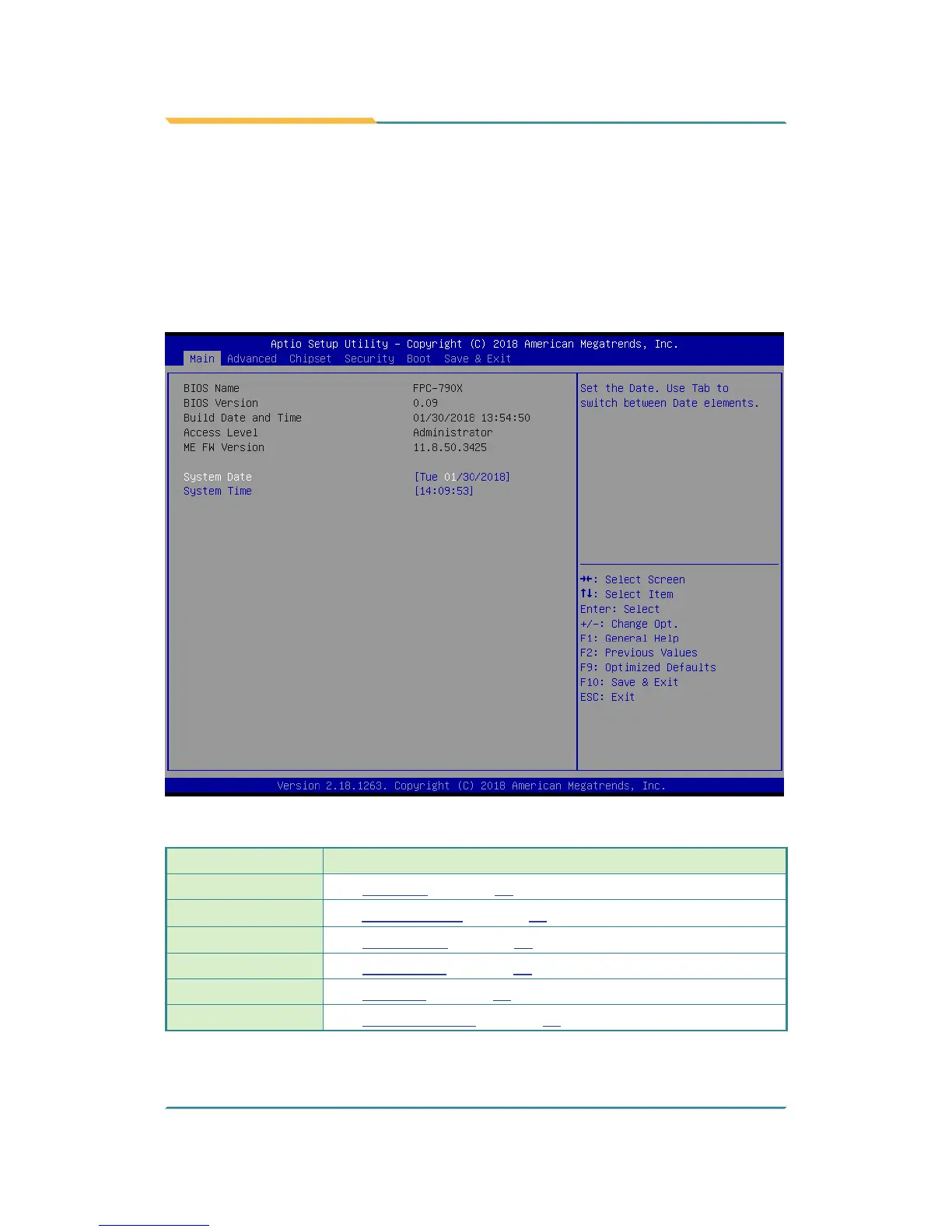
The BIOS Setup utility for the FPC-7900 Series is featured by American
Megatrends Inc to congure the system settings stored in the system’s BIOS
ROM. The BIOS is activated once the computer powers on. When the computer
is off, the battery on the main board supplies power to BIOS RAM.
To enter the BIOS Setup utility, keep hitting the “Delete” key upon powering on
the computer.
The featured settings are:
Menu Description
Main
See 5.1. Main on page 62
Advanced
See 5.2. Advanced on page 63
Chipset
See 5.3. Chipset on page 79
Security
See 5.4 Security on page 85
Boot
See 5.5. Boot on page 86
Save & Exit
See 5.6. Save & Exit on page 88



 To Next Page