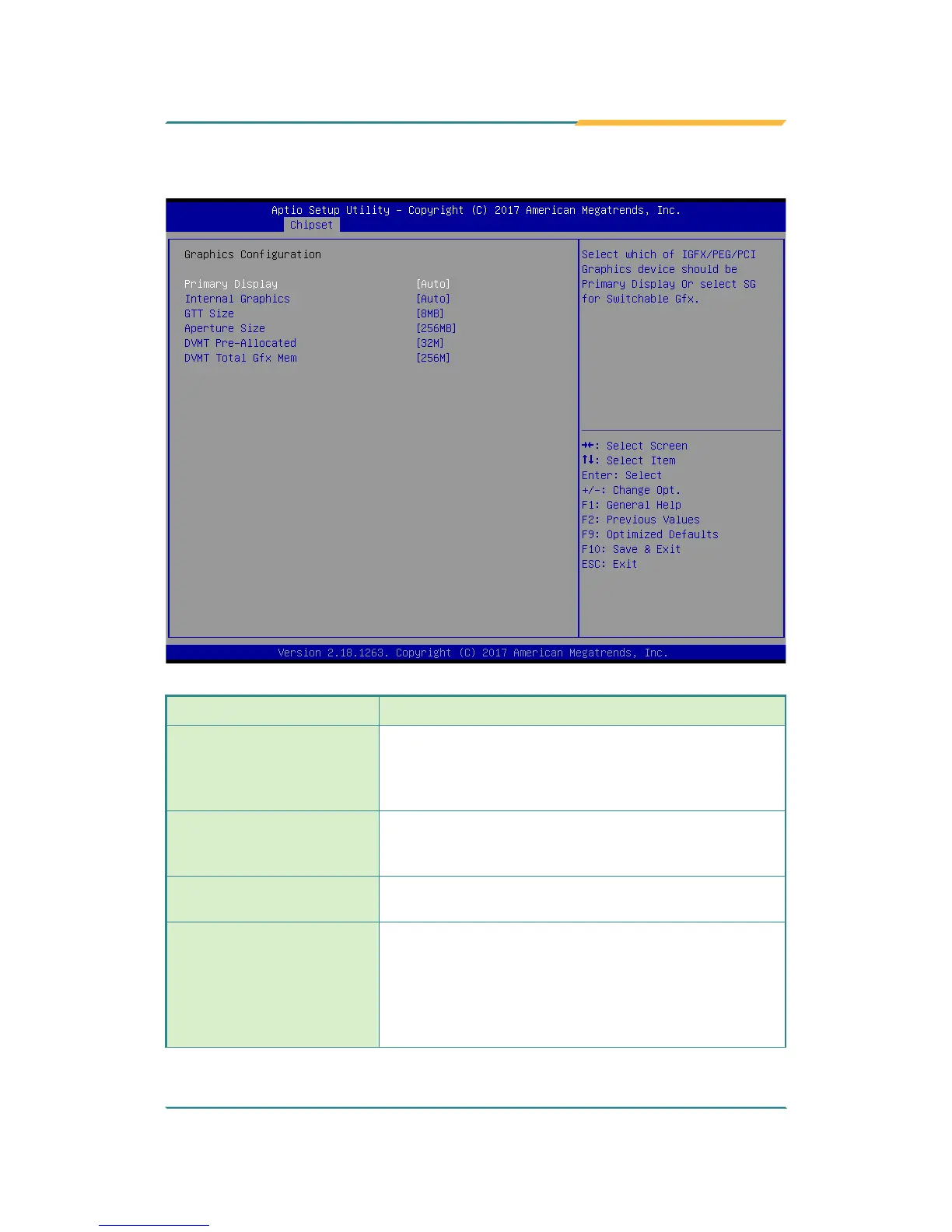
5.3.1.1. Graphics Conguration
Setting Description
Primary Display
Select the Graphics device which will be activated as
Primary Display.
► Options available are Auto (default), IGFX, PEG
and PCI
Internal Graphics
Enables/disables the IGD.
► Options available are Auto (default), Disabled, and
Enabled.
GTT Size
Select the GTT Size.
► Options: 4MB, 2MB and 8MB (default).
Apeture Size
Select the Apeture Size. Note that above 4GB MMIO
BIOS assignment is automatically enabled when
selecting 2048MB aperture. To use this feature, please
disable CSM support.
► Options: 128MB, 256MB (default), 512MB,
1024MB and 2048MB



 To Next Page