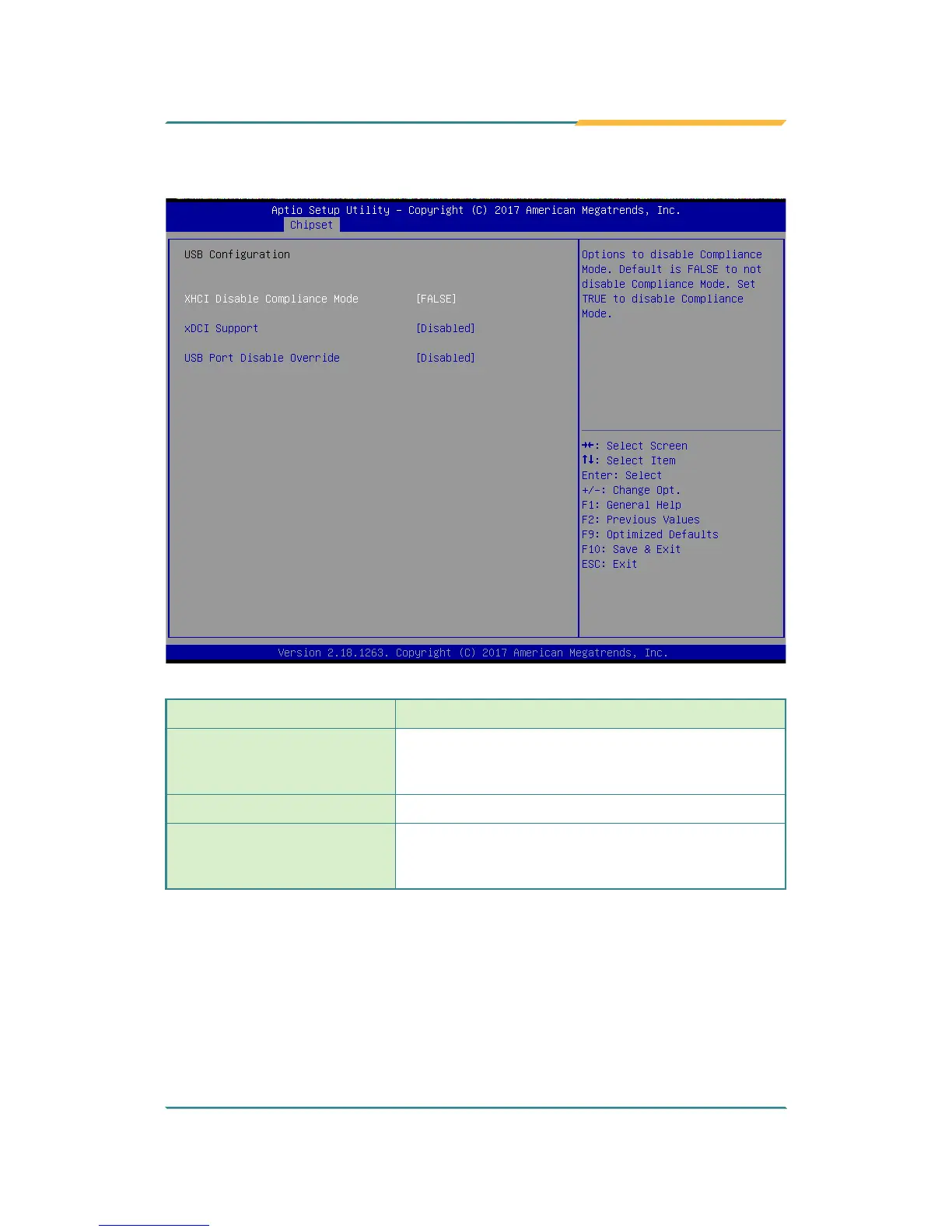
5.3.1.3. USB Conguration
Setting Description
XHCI Disable Compliance
Mode
Options to disable Compliance Mode. Default is
FALSE (default) to not disable Compliance Mode.
Set TRUE to disable Compliance Mode.
xDCI Support
Enable/disable (default) xDCI (USB OTG Device).
USB Port Disable Override
Selectively enable/disable (default) the
corresponding USB port from reporting a device
connection to the controller.



 To Next Page