FUV Owner's Guide - 56
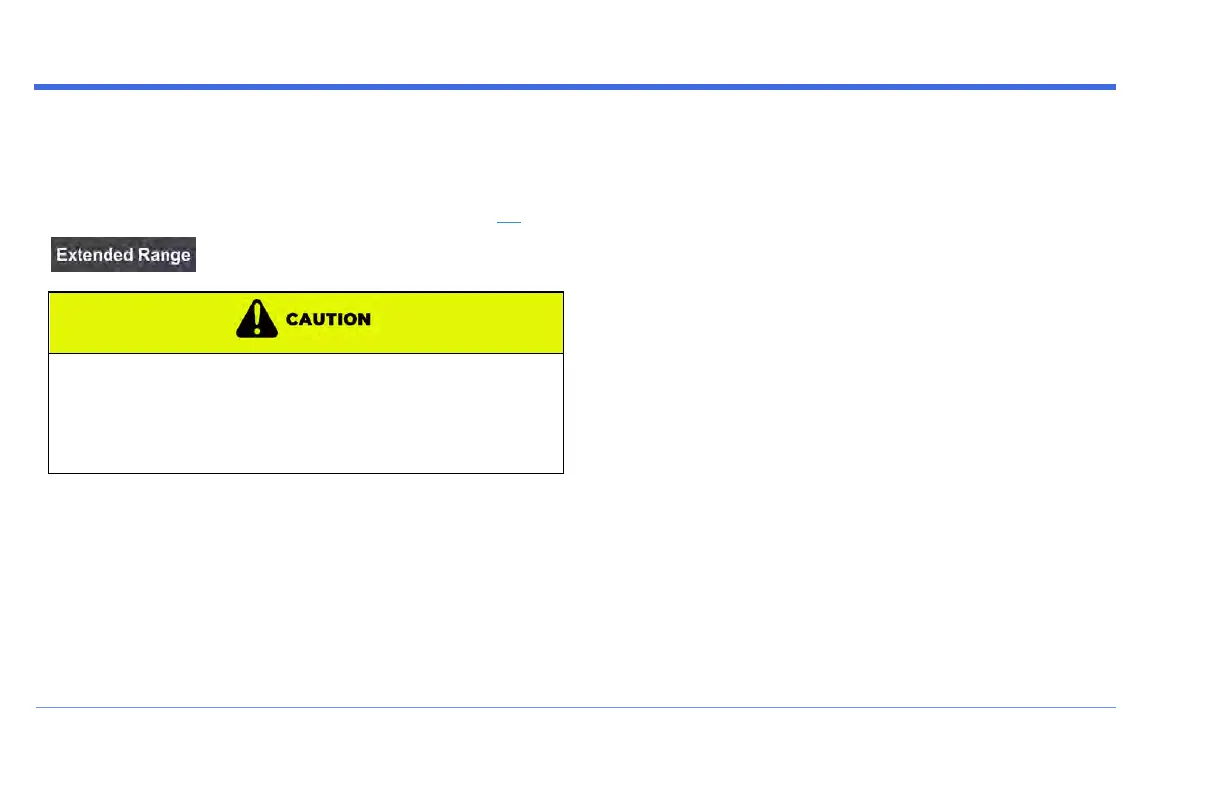
Charging Screen - Extended Range button
The Charging screen includes the Extended Range
button, at the top left of the Display. Press this button to
put the FUV into Extended Range mode (see page 95).
Use of extended range mode will accelerate battery
wear. When in this mode, drive away immediately when
fully charged and charge up immediately when fully
discharged to avoid permanent battery damage not
covered under warranty.
DISPLAY


 To Next Page