HARDWARE INSTALLATION
18
If the logical level is different between the st 2 sets of the activity
(HDD) LED header (LED attached to Set 1 but not Set 2), the con-
troller will assign the rst activity LED header as the global indica-
tor connector. Otherwise, each LED output will show only individual
drive status.
The SATA RAID controller provides two kinds of LED status connec-
tors.
A: Global indicator connector, which light up when any drive is ac-
tive.
B: Individual LED indicator connector, for each drive channel.
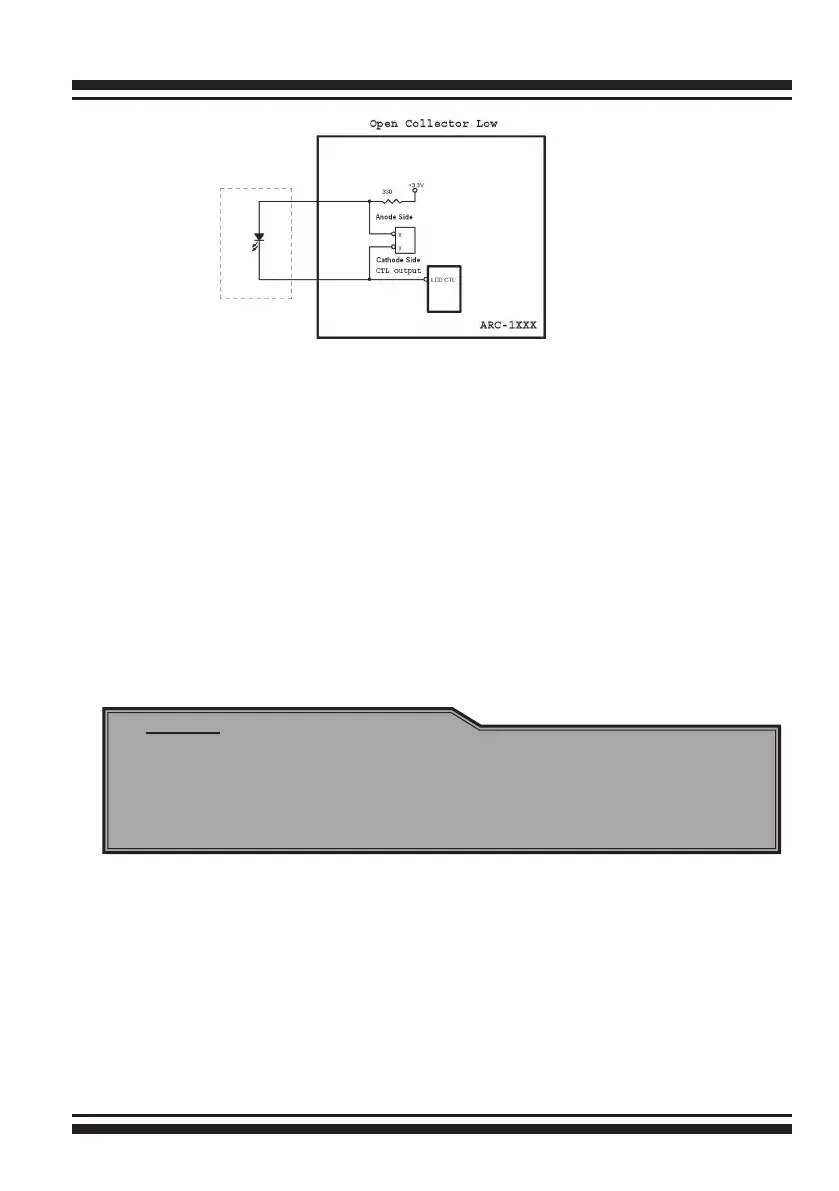
The following diagrams and description describes each type of
connector.
A: Global Indicator Connector
If the system uses only a single global indicator, attach the global
indicator cable to the two pins activity (HDD) LED connector. The
following diagrams show the connector and pin locations.
Note:
A cable for the global indicator comes with your computer
system. Cables for the individual drive LEDs may come with a
drive cage, or you may need to purchase them.



 To Next Page