HARDWARE INSTALLATION
17
Step 5 Connect the SATA Cable
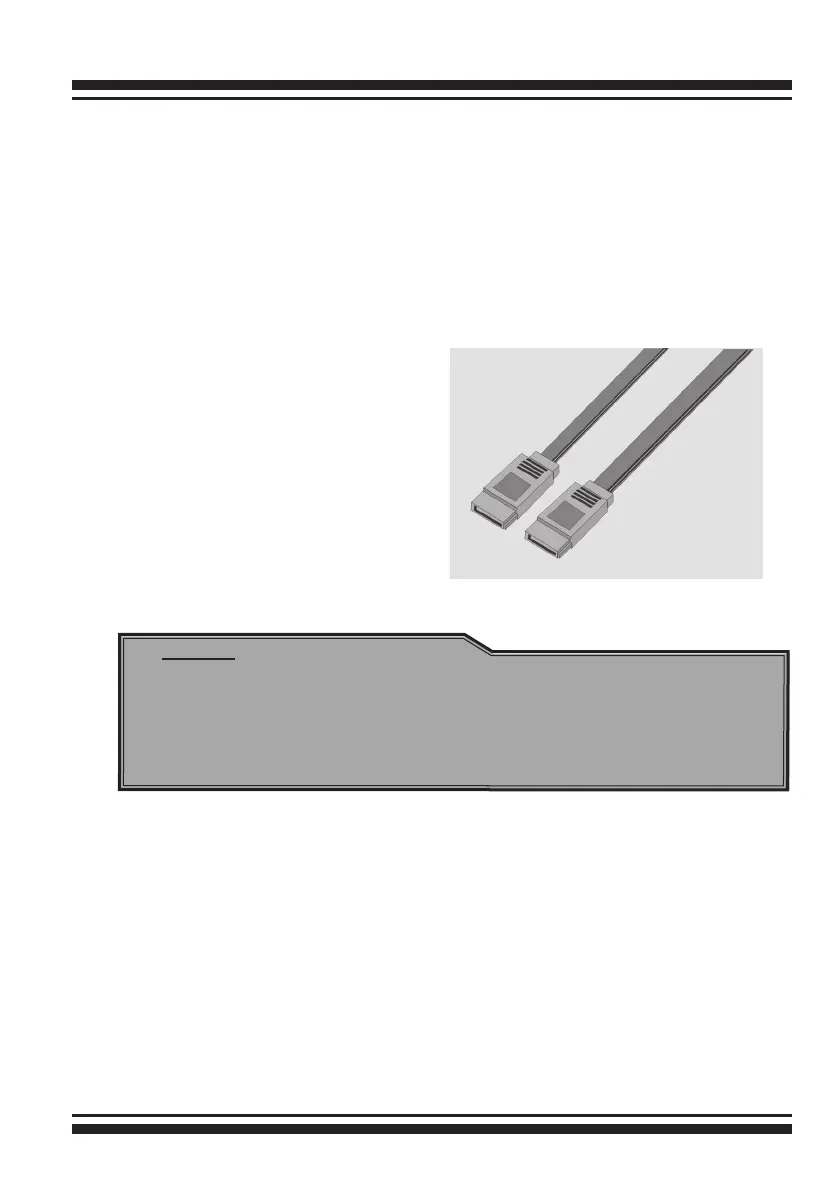
ARC-1200 controller has two SATA internal connectors. If you have
not yet connected your SATA cables, use the cables included with
your kit to connect the controller to the SATA hard drives.
The cable connectors are all identical, so it does not matter which
end you connect to your controller, SATA hard drive, or cage back-
plane SATA connector.
Figure 2-3, SATA Cable
Note:
The SATA cable connectors must match your HDD cage.
For example: Channel 1 of RAID controller connects to chan-
nel 1 of HDD cage, channel 2 of RAID controller connects to
channel 2 of HDD cage, and follow this rule.
Step 6 Install the LED Cable (optional)
ARC-1200 Individual Fault/Activity Header Intelligent Electronics
Schematic.



 To Next Page