BIOS CONFIGURATION
30
The total number of physical drives in a specic RAID set deter-
mine the RAID levels that can be implemented within the RAID
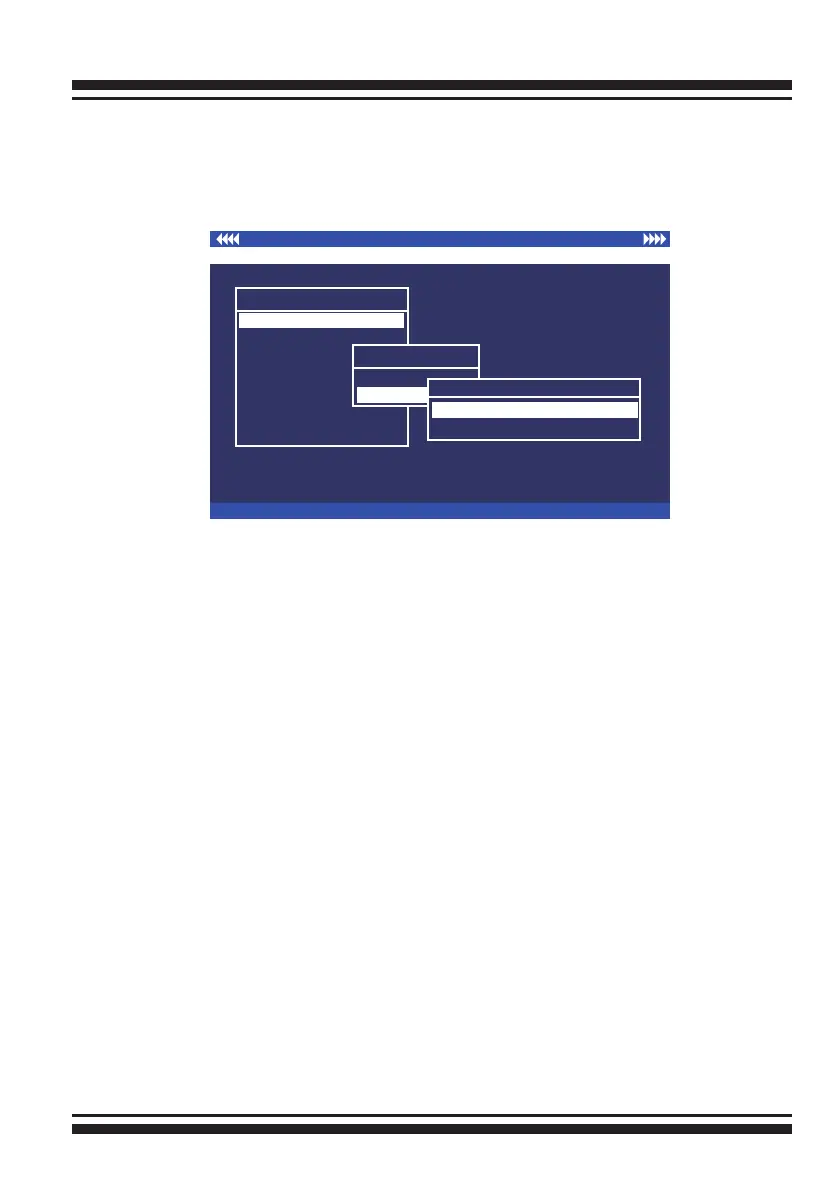
set. Select “Quick Volume/RAID Setup” from the main menu; all
possible RAID level will be displayed on the screen.
If volume capacity will exceed 2TB, controller will show the
“Greater Two TB Volume Support” sub-menu.
• No
It keeps the volume size with max. 2TB limitation.
• 64bit LBA
This option use 16 bytes CDB instead of 10 bytes. The maximum
volume capacity up to 512TB.
This option works on different OS which supports 16 bytes CDB.
such as:
Windows 2003 with SP1
Linux kernel 2.6.x or latter
For more details please download PDF le from ftp://ftp.areca.
com.tw/RaidCards/Documents/Manual_Spec/Over2TB_
050721.zip
A single volume set is created and consumes all or a portion of
the disk capacity available in this RAID set. Dene the capac-
ity of volume set in the “Available Capacity” popup. The default
value for the volume set, which is 100% of the available capacity,
I/O Port Addr:FD700000h, F2 (Tab): Select Controller, F10: Reset System
ArrowKey Or AZ:Move Cursor, Enter: Select, ESC: Escape, L:Line Draw, X: Redraw
Areca Technology Corporation RAID Controller
Main Menu
Raid Set Function
Volume Set Function
Physical Drives
Raid System Function
View System Events
Clear Event Buffer
Hardware Monitor
System information
Quick Volume/Raid Setup
Total 2 Drives
Raid 0
Raid 1
Raid 1
Greater Two TB Volume Support
No
Use 64bit LBA
No



 To Next Page