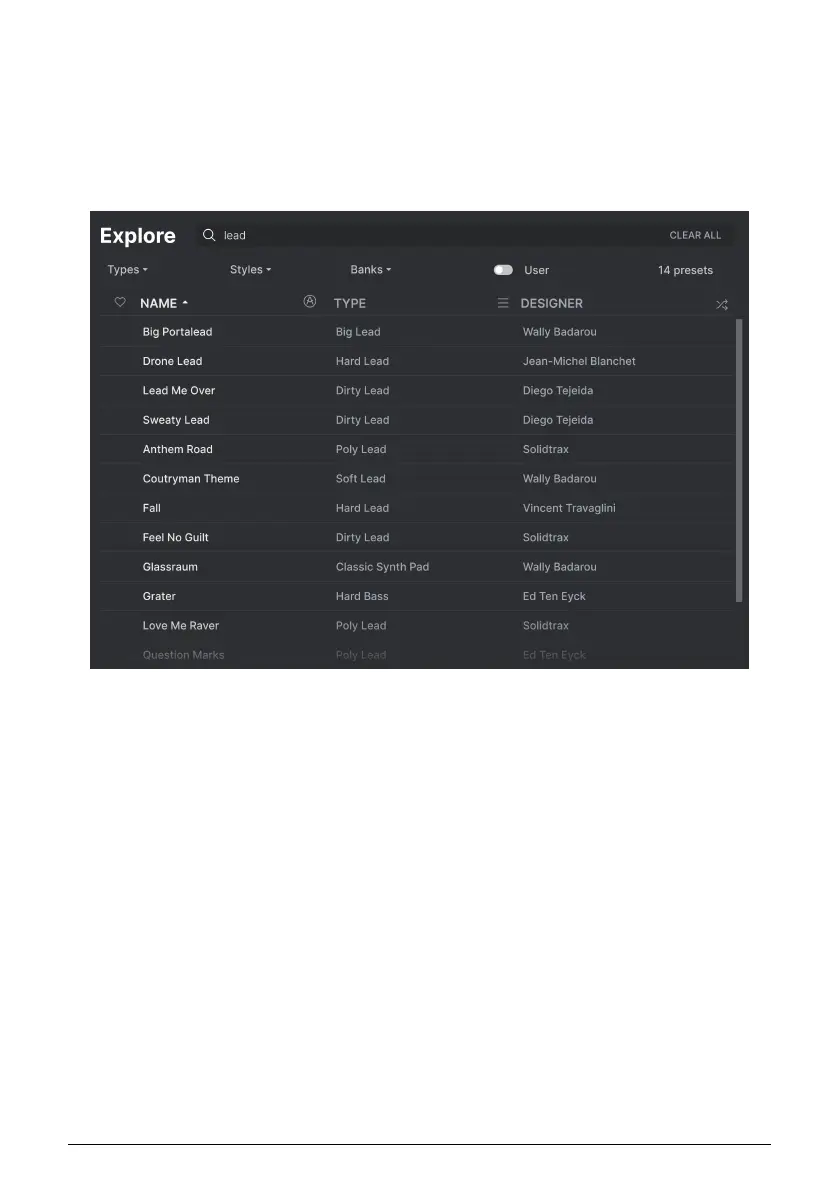
4.1. Search and Results
Click on the Search field at the top and enter any search term. The browser will filter your
search in two ways: First, by matching letters in the Preset name. Then, if your search term
is close to that of a Type or Style [p.30] it will include results fitting those tags as well.
The Results list beneath shows all Presets that fit your search. Click the X icon at right to
clear your search terms.
Filter by typing text in the Search field
29 Arturia - User Manual Prophet-5 V - The Preset Browser



 To Next Page