This will move other Presets up in the list to accommodate the new location of the Preset
you just moved. A bright white line will briefly appear at the "insert point."
4.8.5. Remove a Preset
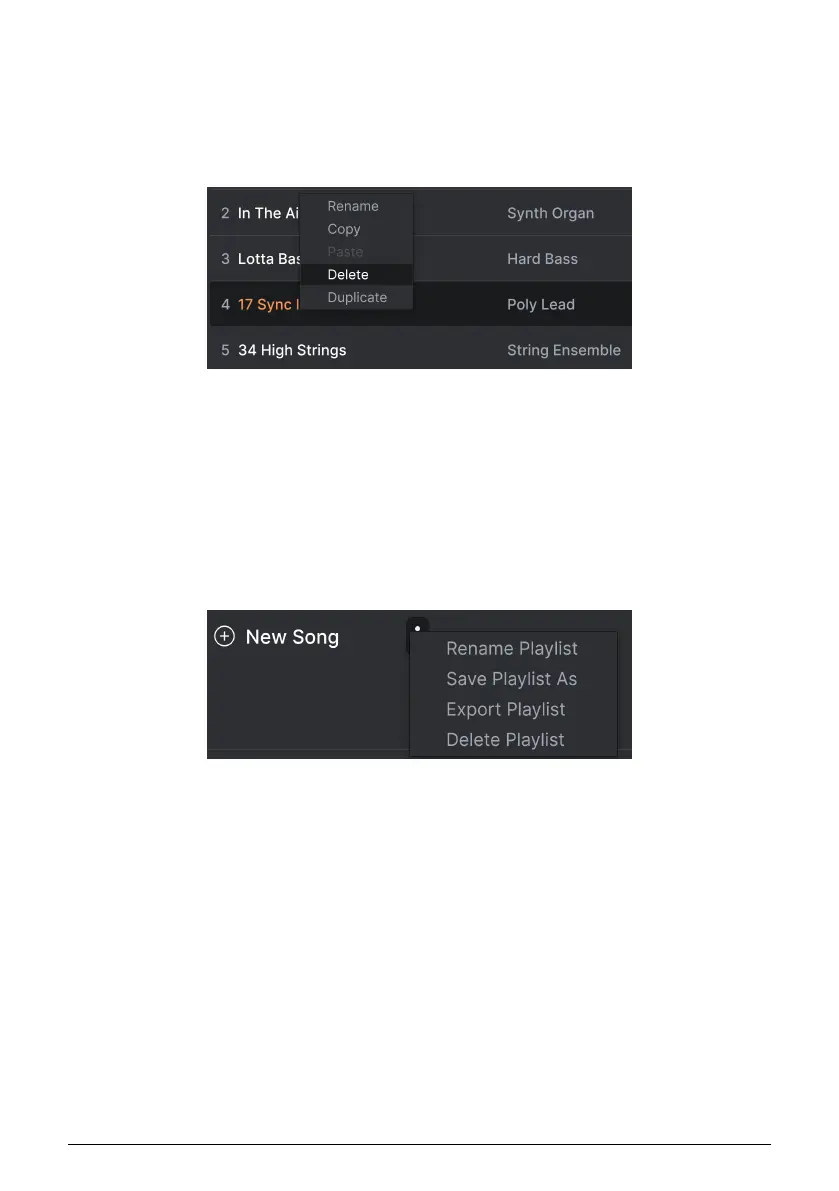
To delete a Preset from a playlist, right-click on its name to bring up a pop-up menu.
This menu also includes Rename, Copy, Paste, and Duplicate options. More management
options are described below.
4.8.6. New Song and Playlist Management
The New Song button creates a new Song at the bottom of the Playlist. You can name it,
then click and drag it to position it in the Playlist and add Presets to it in the desired order.
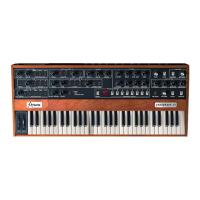
To access other Playlist management options, click on the three dots icon next to the New
Song button. This brings up a pull-down menu:
• Rename Playlist: Renames the current Playlist without making a copy.
• Save Playlist As: Creates a duplicate of the playlist with “Copy” appended to the
name. You can change the name before saving.
• Export Playlist: Exports your Playlist to a location on your computer, with the
filename extension “aplst.”
• Delete Playlist: Deletes the current Playlist but does
not
delete any of the Presets
in it.
41 Arturia - User Manual Prophet-5 V - The Preset Browser











 To Next Page