The rules are simpler than with the function, as you can add a maximum of two breakpoints
to the beginning and ending points that are always there.
Notice also the vertical line in the display. This is a real-time indicator of the last MIDI
velocity received.
6.2.2. Aftertouch
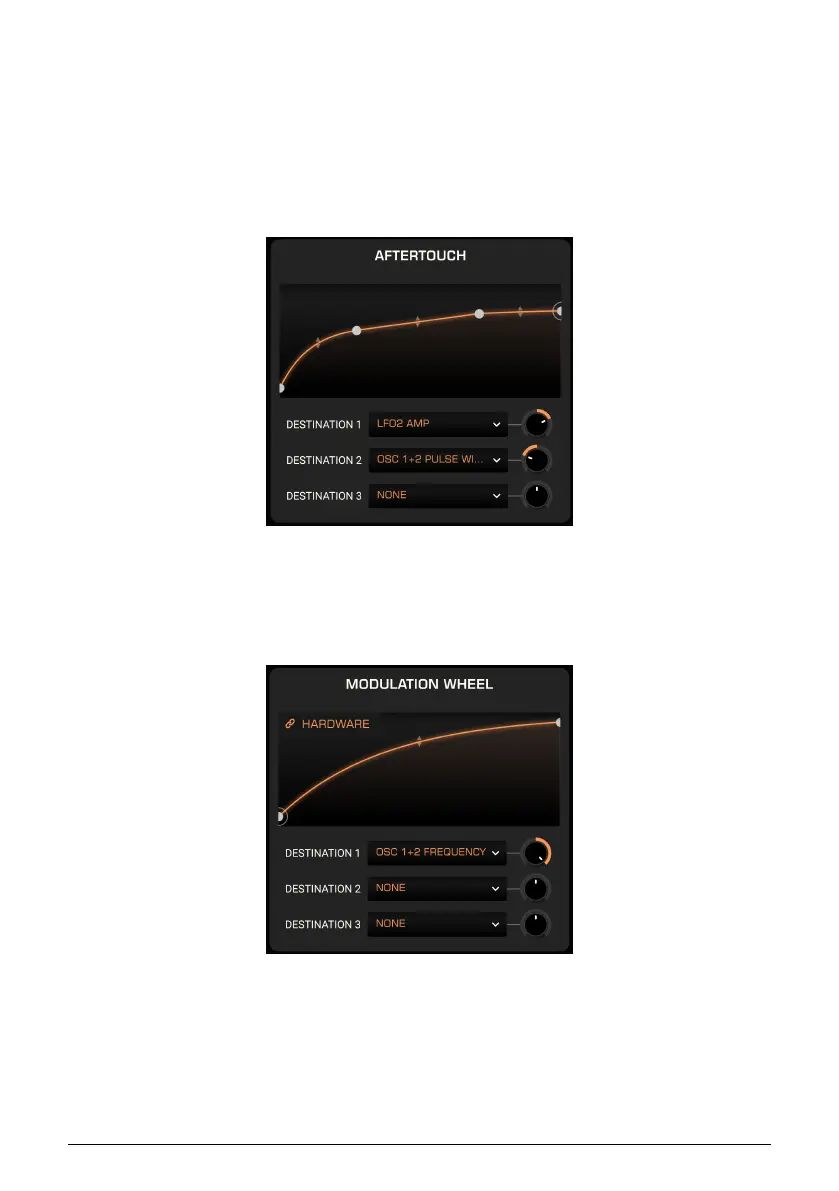
Aftertouch works much the same as Velocity, only it deals with, well, aftertouch.
If MPE is enabled in the side panel settings [p.19] and an MPE-capable controller is connected,
aftertouch will be interpreted polyphonically.
6.2.3. Modulation Wheel
Notice the Hardware link button at upper left. This overrides the onscreen wheel in Prophet-5
V. You can then scale and offset the curve here and it will work with the hardware wheel (or
other type of control) on your MIDI controller. This makes the Wheel Mod [p.49] section of
the main panel much more useful and expressive.
67 Arturia - User Manual Prophet-5 V - Advanced Modulations














 To Next Page