4.2. Using Tags as a Filter
You can narrow (and sometimes expand) your search using different tags. There are two
kinds of tags:
Types
and
Styles
. You can filter by one, the other, or both.
4.2.1. Types
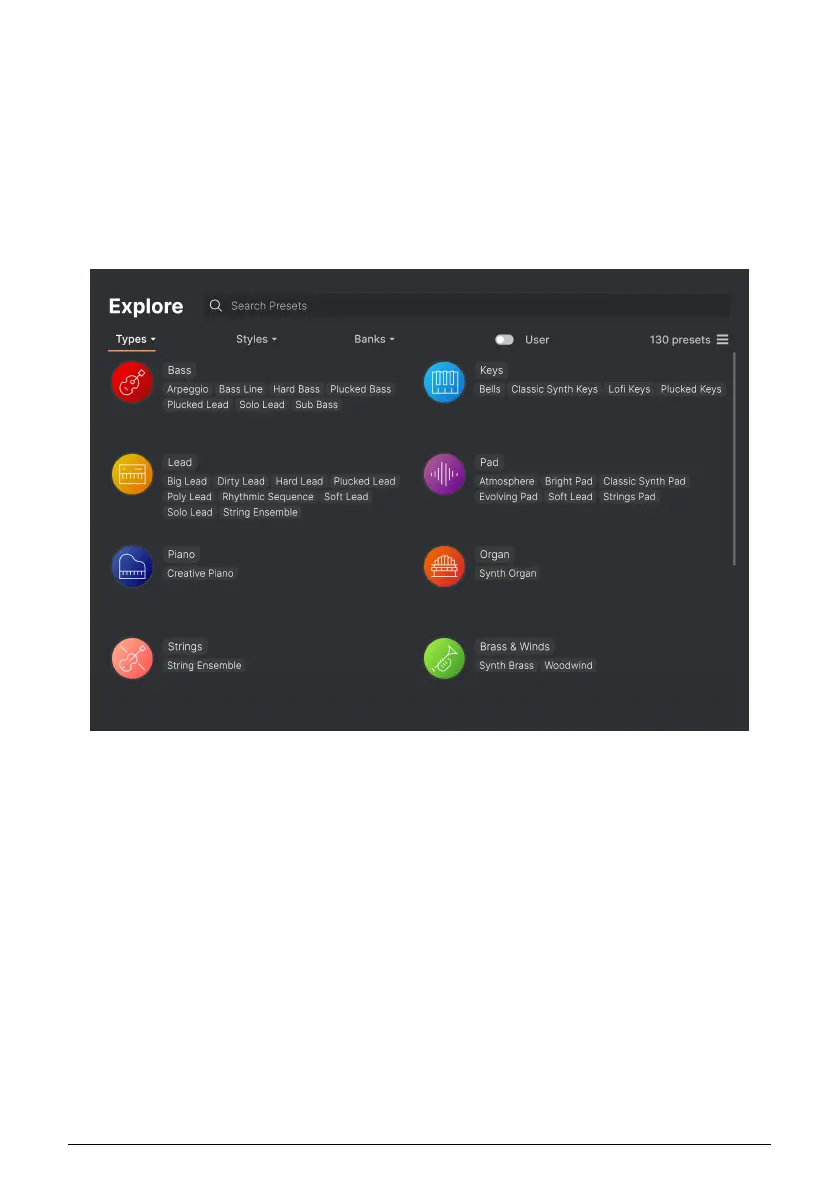
Types are categories of instruments and musical roles: bass, leads, strings, pads, organs,
and more. With a clear search bar, click the Types button to bring up a list of types. Notice
that each type also has several sub-types:
Click any one of them, and the results will show only Presets that match that tag. You can
also select multiple Types using Cmd-click (macOS) or Ctrl-click (Windows). For example, if
you aren't sure whether the Preset you're looking for was tagged with Keys or Pad, select
both to broaden the search.
Results columns can be inverted by clicking the arrow buttons to the right of their titles
(Name, Type, Designer).
Arturia - User Manual Prophet-5 V - The Preset Browser 30














 To Next Page