7.2. Common Effects Controls
Let’s first have a look at the controls all effects have in common.
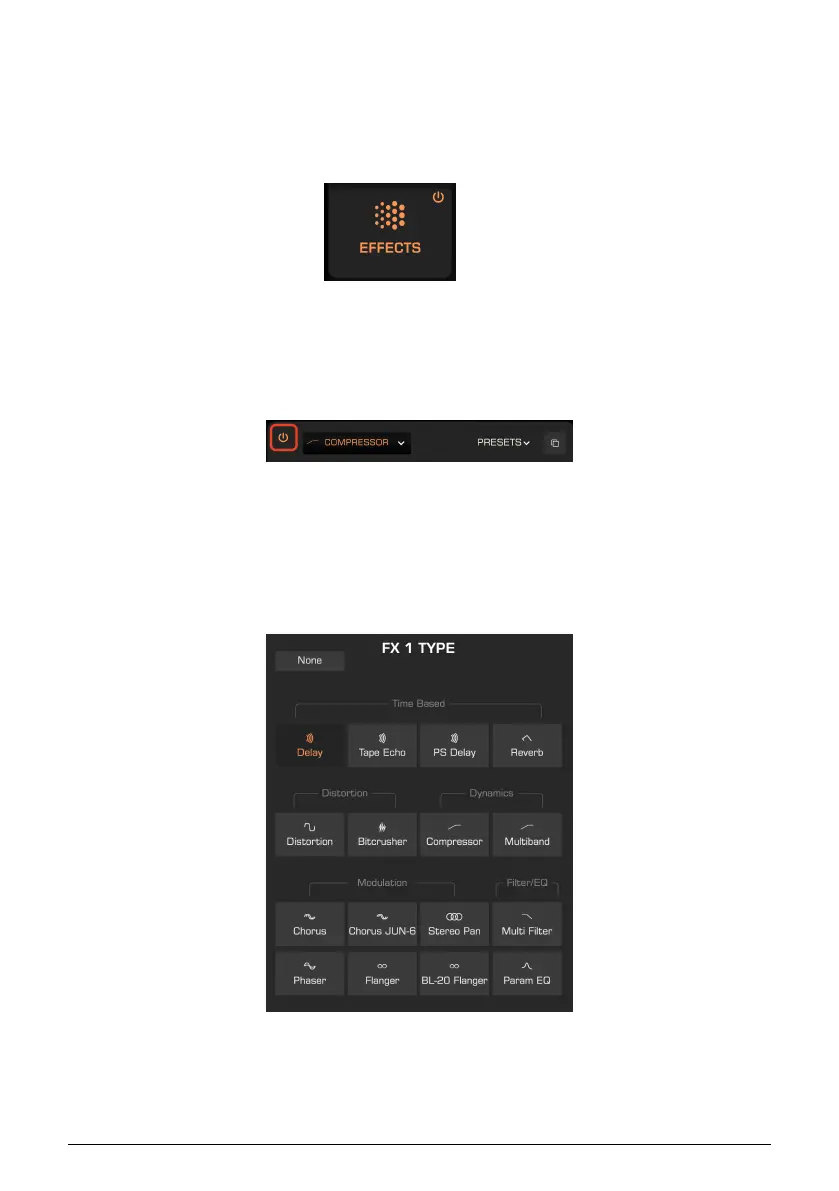
7.2.1. Main On/Off Button
Located in the Effects tab itself, this switches all effects on or off simultaneously, without
removing your effects from their slots or losing their settings.
7.2.2. Bypass Buttons
Furthermore, each slot has its own on/off button in its upper right corner. This is useful for
bypassing the effect without removing it or losing your settings.
7.2.3. Effect Selection Menu
This menu lets you select from the 16 types for each slot, which are shown here!
71 Arturia - User Manual Prophet-5 V - Effects














 To Next Page