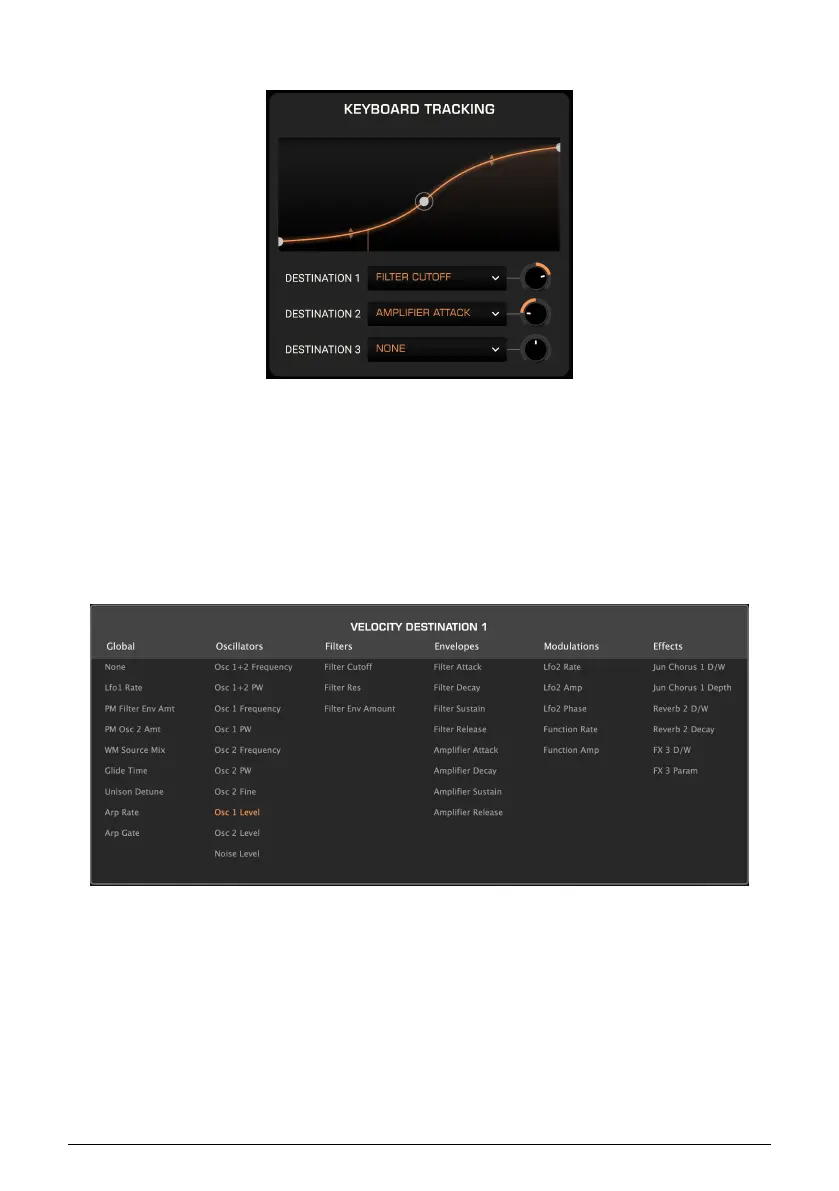
6.2.4. Keyboard
This pane deals with Keyboard Tracking, in other words, the pitch information in each MIDI
note-on message received. Keyboard Tracking is commonly part of a synth’s filter section
and is present there in Prophet-5 V. Here, however, you can greatly expand its potential via
custom curves and destinations.
6.2.5. Assigning Destinations
Assignment works identically in all four panes. Click on any Destination field to display the
Destination menu.
Then, click on a destination to select it. As with LFO 2 and the Function, destinations in the
Effects column change based on which effects are in use.
Arturia - User Manual Prophet-5 V - Advanced Modulations 68














 To Next Page