4.4.3. My Playlists
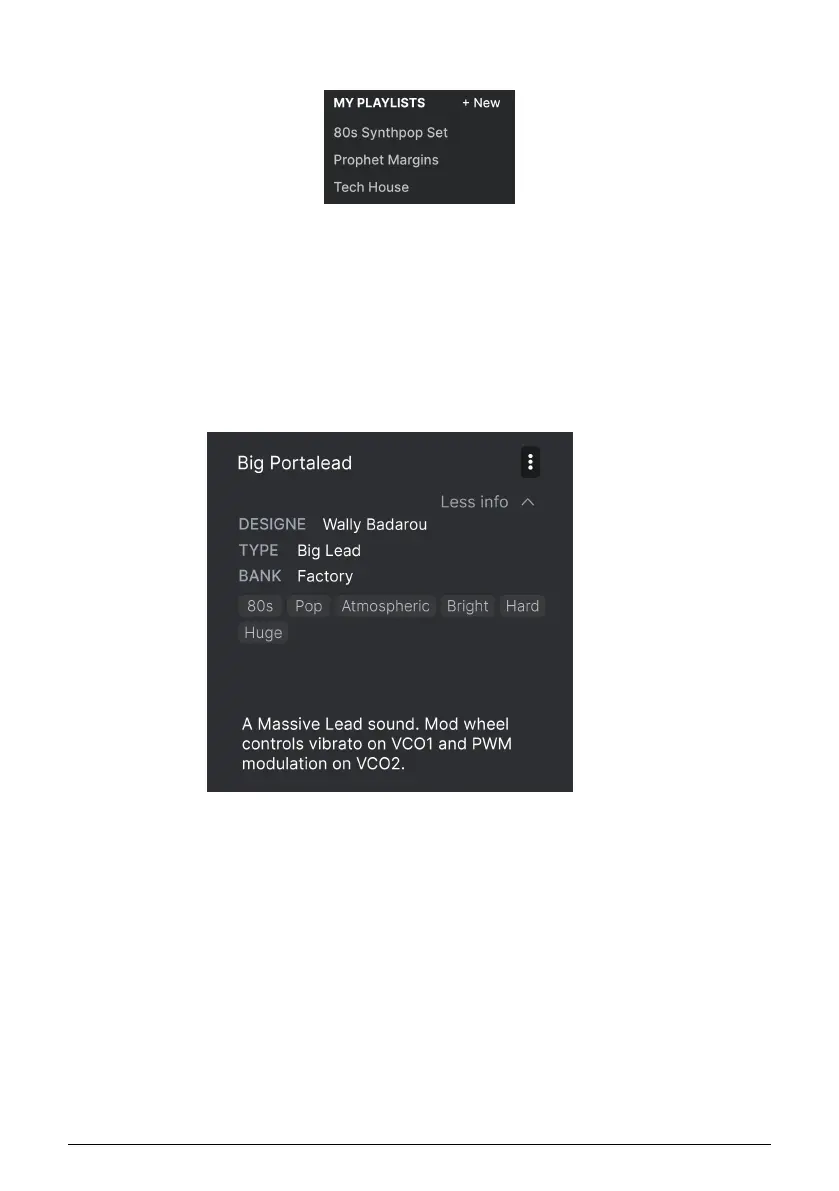
The bottom part of the sidebar displays any Playlists you have created or imported. Playlists
are a very powerful management tool for set lists for gigs. Learn more about them in the
Playlists section [p.39] below.
4.5. Preset Info Section
The right side of the browser window shows specific information about each Preset. The
information for User Presets (but not Factory ones) may be changed here: Name, Type,
Favorite, etc.
To make the desired changes, you can type in the text fields, use one of the pull-down
menus to change the Bank or Type, and click the + sign to add or delete Styles.
Types and Styles changes you make here are reflected in searches. For example, if you
remove the “Funky” Style tag and then save that Preset, it will not show up in future searches
for Funky sounds.
Clicking on the three-dots icon at the top right pops up a menu with organizational options
for the Preset.
Arturia - User Manual Prophet-5 V - The Preset Browser 36














 To Next Page