4.4.2. My Favorites
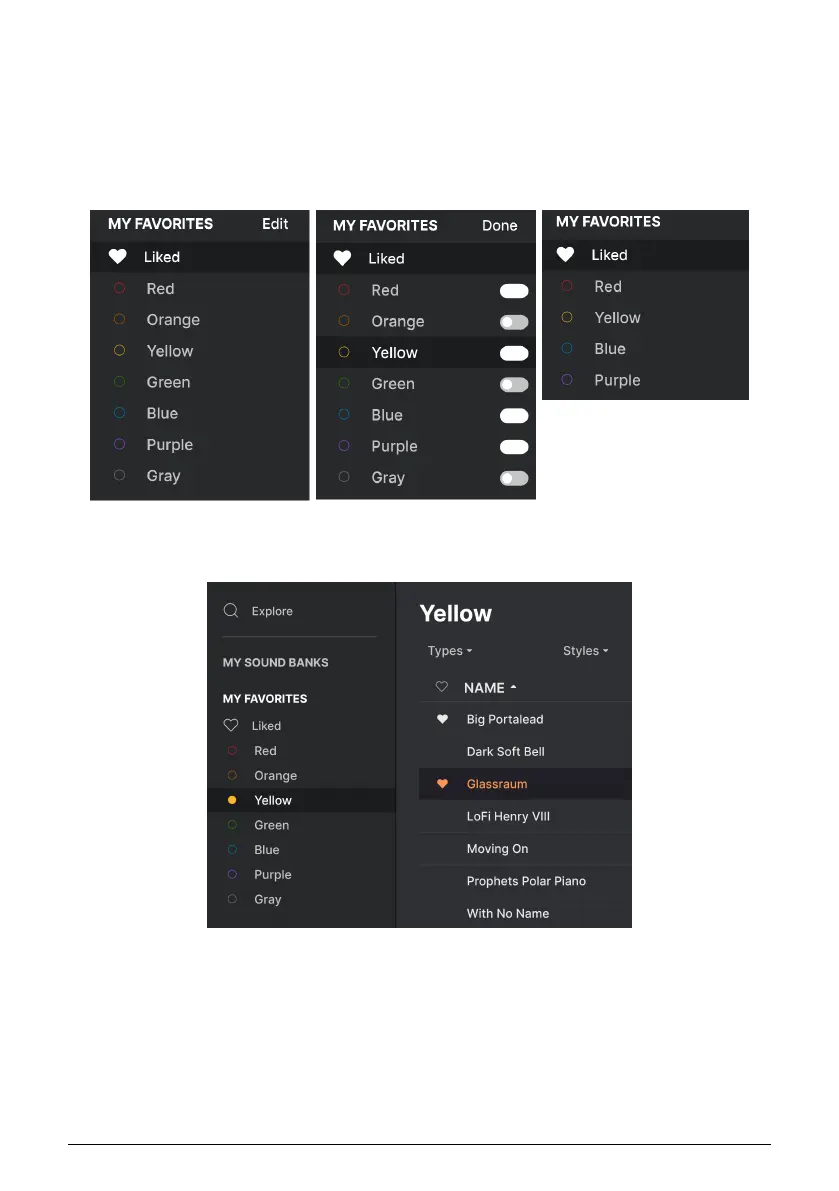
The middle part of the Sidebar has a menu called My Favorites, which allows you to color-
code certain groups of Presets for easy access. It also includes the Liked group, so you can
quickly find Presets you've marked with the heart icon.
To decide which colors you'd like to display, hover over My Favorites and click Edit. Then use
the buttons to select which colors you'd like to see or hide, and then click Done.
To add Presets to a particular set of Favorites, simply drag and drop them over the
appropriate color. Then click on the color itself to display your grouping.
35 Arturia - User Manual Prophet-5 V - The Preset Browser














 To Next Page