5.1. Architecture
The Prophet’s architecture was simple yet powerful. It was fully polyphonic, meaning that
each voice passed through its own filter, and VCA as opposed to sharing a filter or output
stage.
Each of its five voices featured two oscillators (thus it contained 10 oscillators in total) with
sawtooth and variable pulse waves on the first and the addition of a triangle wave on the
second. Oscillator 2 could double as an extra LFO, and Oscillator 1 could be hard-synced to
Oscillator 2.
While LFO-based modulation was on hand, the POLY-MOD section gave the Prophet a small
dose of modular-like patchability. Here, the filter envelope and/or Oscillator 2 could be mixed
to modulate any of three destinations: Oscillator 1 pitch, Oscillator 1 pulse width, and the filter
cutoff frequency. Enthusiasts consider POLY-MOD a cornerstone of the Prophet-5’s sound.
That’s a very quick tour of the signal path. We’ll learn more as we proceed through the
control sections.
5.2. Common Behaviors
All controls on the main panel (and elsewhere in Prophet-5 V) follow a few rules designed
to make things more convenient for you, the musician.
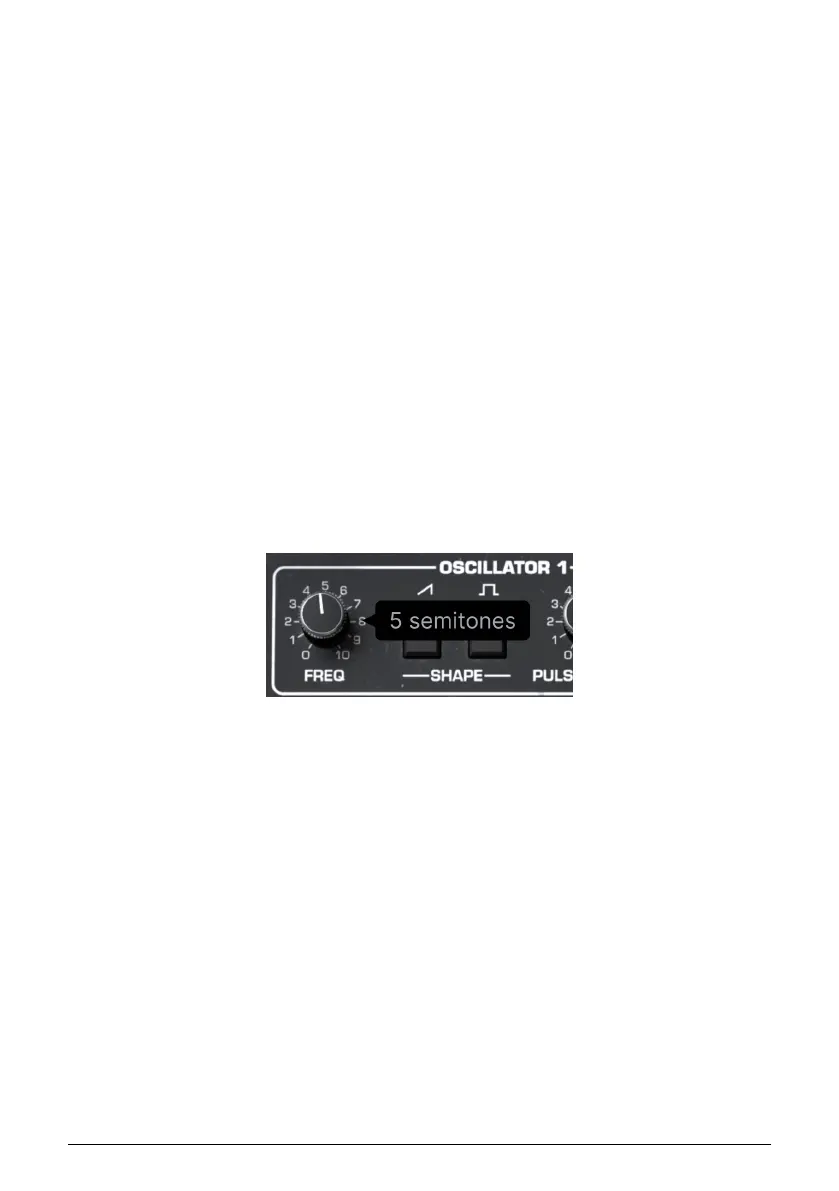
5.2.1. Value Pop-Ups
Operate or hover the mouse on any knob, and a pop-up a.k.a. “tool tip” appears, displaying
its current value.
5.2.2. Fine Adjustments
To adjust a control more slowly and therefore more precisely, hold Control or use the right
mouse button while operating it.
5.2.3. Double-Click for Default
Double-clicking any parameter returns it to its default value.
5.2.4. Parameter Name Display
As mentioned in Chapter 3, operating or hovering on any control will cause its full name to
appear in the left side of the Lower Toolbar [p.18].
43 Arturia - User Manual Prophet-5 V - Main Synth Panel


 To Next Page