If you are engaged in a call, a second incoming call is indicated by an acoustic signal tone.
Additional information about “Call waiting” is given in the section “Advanced features/Call
waiting”.
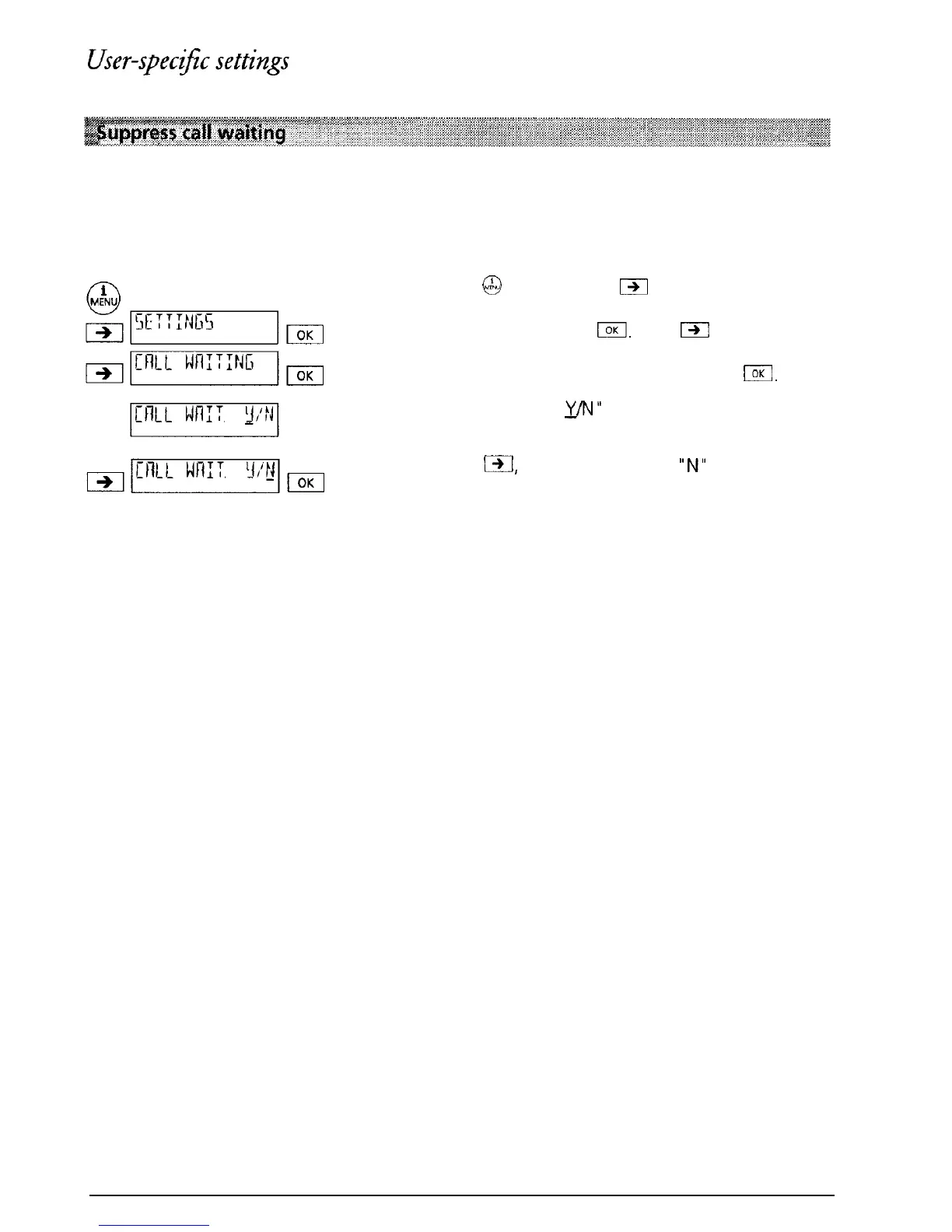
Each user can suppress “Call waiting” so as not to be disturbed during a conversation.
Press
@
and then press
B
as often as necessary
until “SETTINGS” is displayed. Confirm the menu
selection by pressing
Bl.
Press
f3l
as often as
necessary until “CALL WAITING” is displayed.
Confirm the menu selection by pressing
IKI.
“CALL WAITING
y/N”
is displayed (When the
telephone leaves the factory YES is set (ON)).
Press
I,
The cursor jumps to
“N”
(No)
(Call waiting switched OFF).
Confirm by pressing I.
17



 To Next Page