DiaZZiqg
All missed calls are recorded separately for each user in an unanswered calls list. Up to 30 calls
(for all users) can be stored in the unanswered calls list. These “missed calls” can be dialled from
the unanswered calls list without having to enter the number.
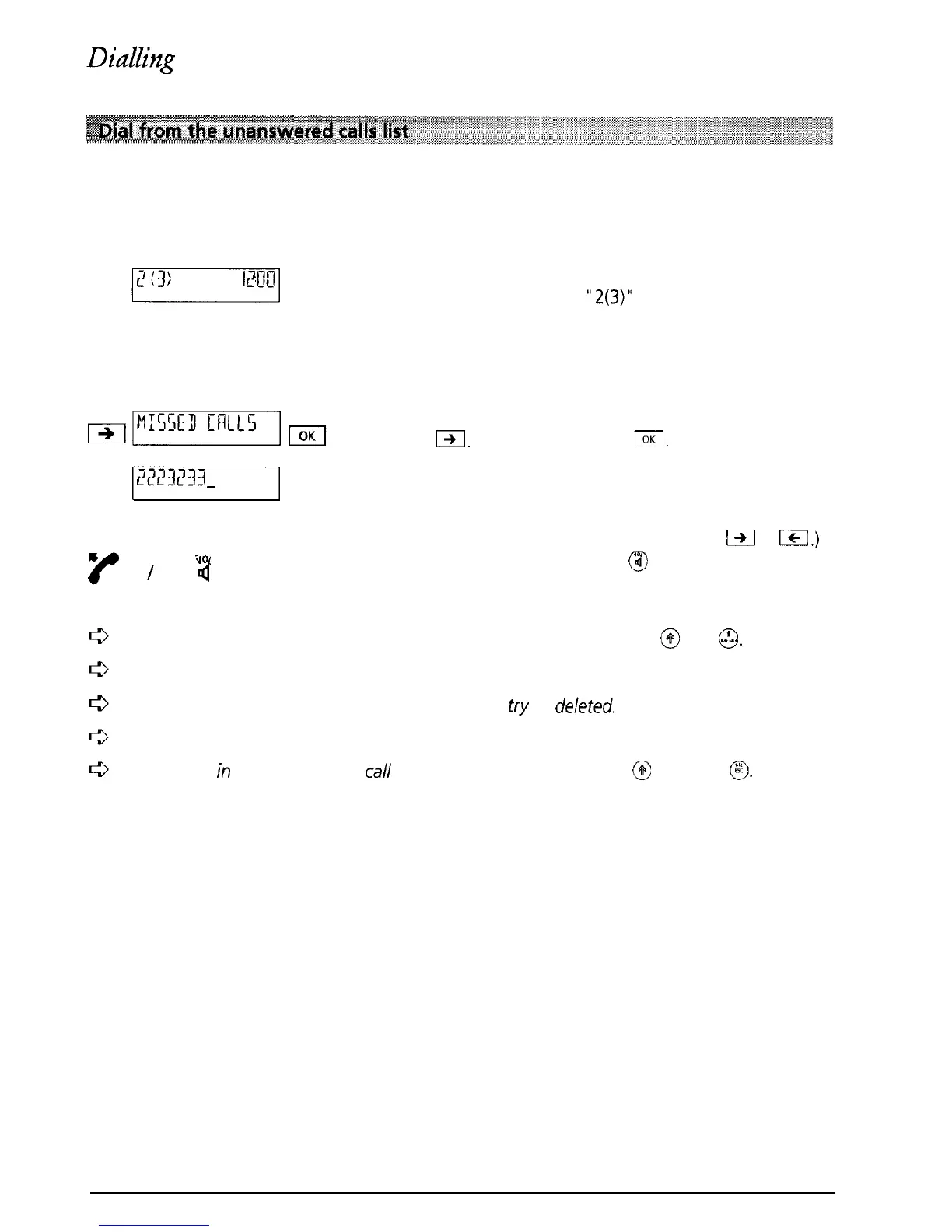
If people have tried to call and you missed the calls,
a message such as
“2(3)”
is displayed. The number
in brackets means that a total of 3 calls to your
Eurit 22 have not been answered. The number
before the bracket indicates that 2 of these calls
were intended for the user who is currently active
To access your personal unanswered calls list press
IX.
Confirm by pressing
I.
m
w
I
Q
0
The number of the first call received is displayed, or
if the number is in your directory, the name is
displayed. (If the list contains more than one call
you can scroll through the calls using
IZ
or
Icl.)
Lift the handset or press
@I
and the number is
dialled.
To display the date and the time at which a call was received press
@
and @.
A call is only registered in the unanswered calls list if the calling number was sent.
If more than 30 calls are received, the oldest en
try
is
deleted.
Unanswered calls are deleted from the list if a call-back is successful.
An entry
in
the unanswered call list can be deleted by pressing
@
and then @.
19



 To Next Page