17
2.5 I Connecng to the Fluidra Pool App
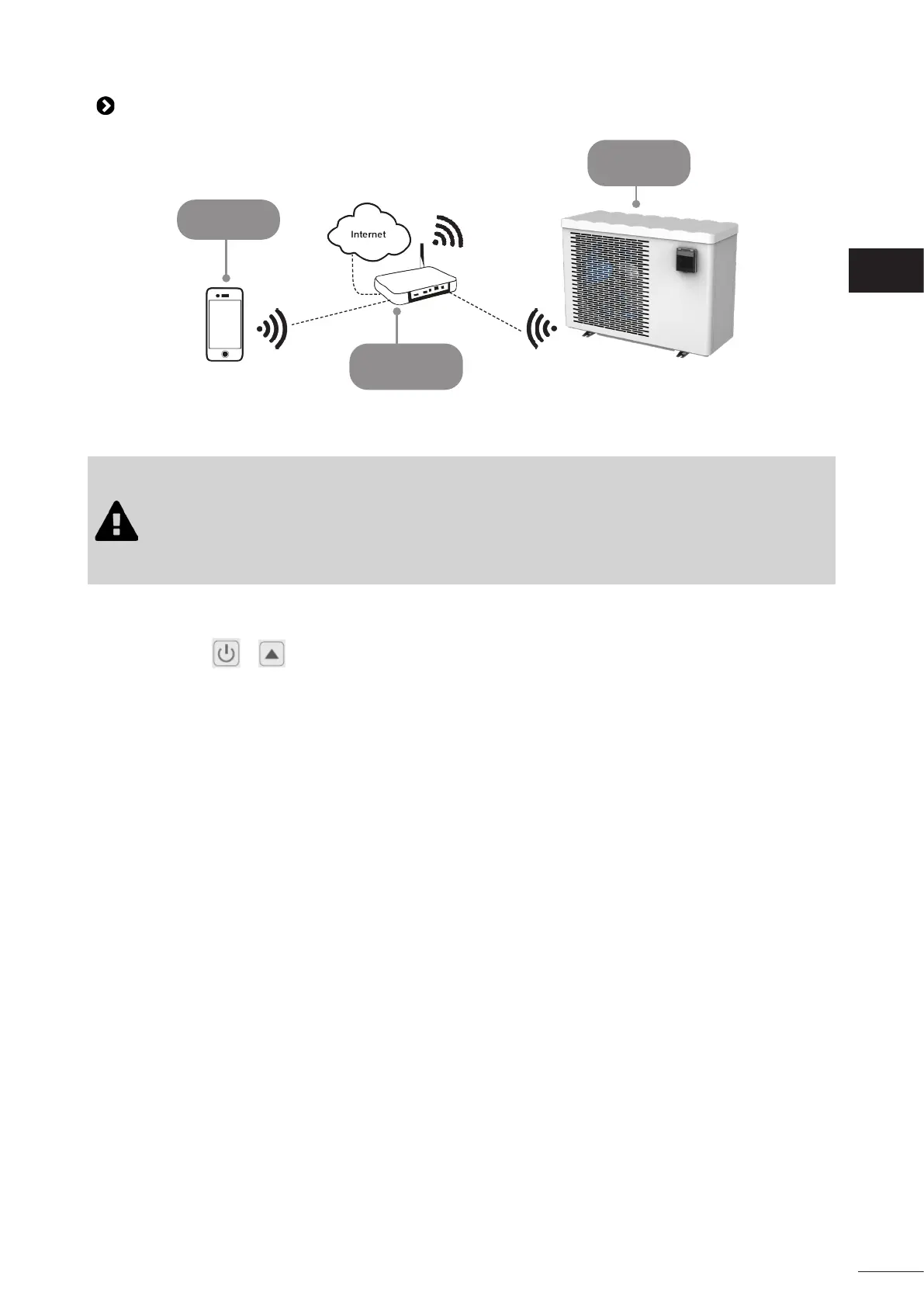
Mobile device
Home Wi-Fi
network
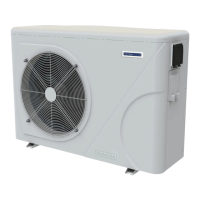
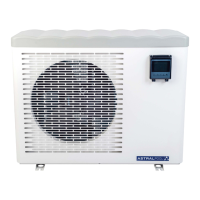
Heat pump
The heat pump can be remotely controlled from a smartphone or tablet, via the Fluidra Pool app available for iOS and
Android systems.
Before connecng to the Fluidra Pool app, ensure that you:
• Use a Wi-Fi-enabled smartphone or tablet.
• Use a Wi-Fi network with a reasonably strong signal when connecng to the heat pump: the
Wi-Fi signal must be detectable at the place where the appliance is used. If this is not the case,
a technical soluon must be provided to amplify the exisng signal.
• Rest close to the appliance and have your home Wi-Fi network password at the ready.
1. Download the Fluidra Pool app (QR code on the back of the product).
2. Unlock the keypad: the main menu is displayed
3. Press and hold + for 5 seconds. SET ashes.
4. Open the applicaon and follow the steps described in the app to add the heat pump.
EN




 To Next Page